The Ultimate Guide to Using a Wedding Timeline Creator Tool in 2025
Discover how a wedding timeline creator tool can cut your planning time and reduce stress. Learn the latest AI trends and expert tips for 2025 weddings.
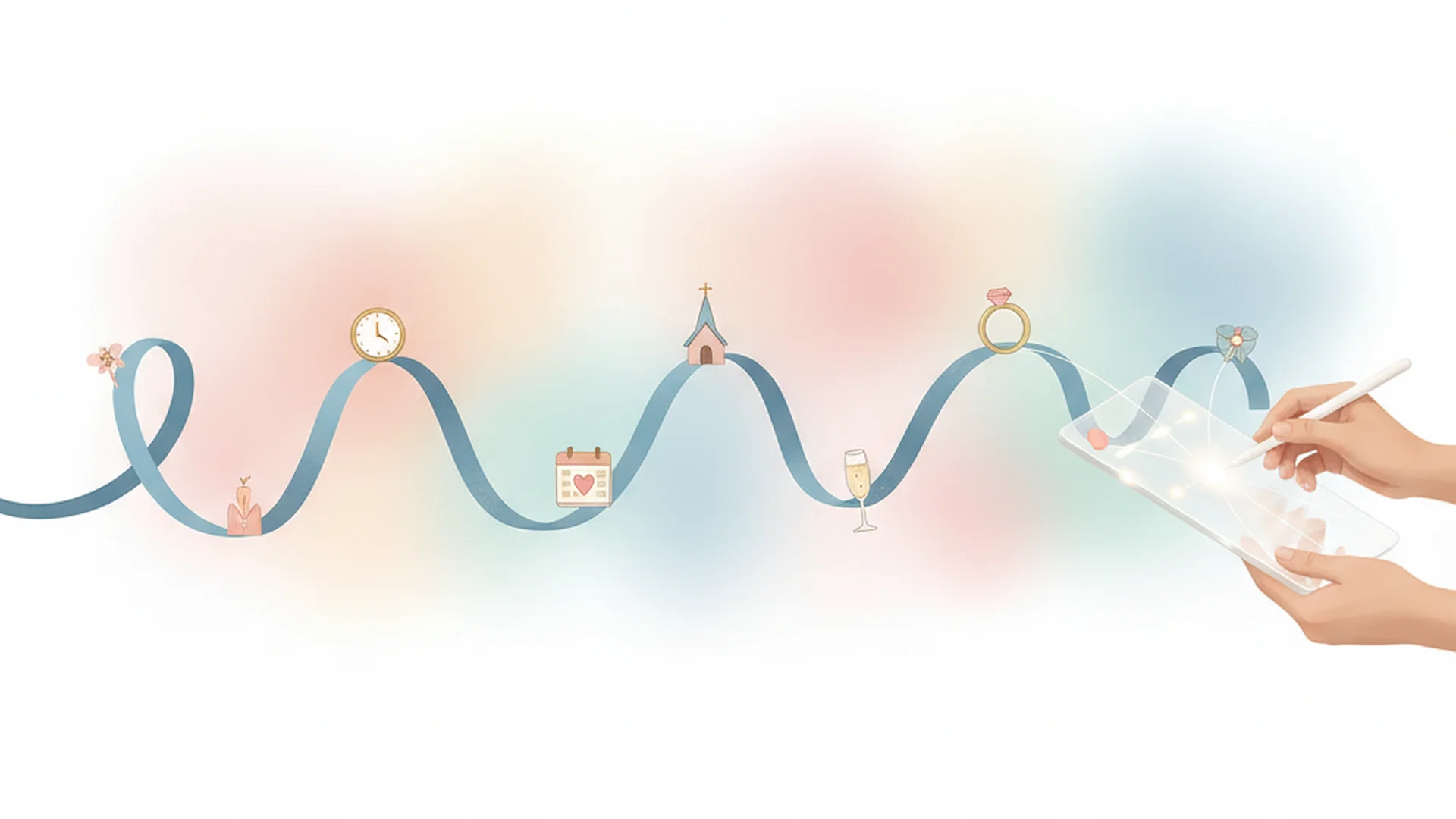
- Digital tools save a significant amount of planning time.
- AI adoption in wedding planning is growing quickly heading into 2026.
- Always add a 25% traffic buffer to all transportation estimates.
Planning a wedding in the mid-2020s is a far cry from the three-ring binders and frantic highlighter sessions of our parents' generation. As we move into the 2025 and 2026 wedding seasons, the complexity of these events has scaled significantly, making a wedding timeline creator tool an absolute necessity rather than a luxury. Whether you are managing a 300-person gala or an intimate "quiet luxury" micro-wedding, the logistics of moving people, food, and flowers require precision that only digital automation can provide.
The shift toward intelligent planning is undeniable. We are seeing a massive digital transformation where most couples now rely on specialized apps to manage their journey. The heart of this transformation is the timeline—the pulse that keeps your vendors in sync and your stress levels in check.
Why Digital Timelines are Replacing the Spreadsheet
The traditional spreadsheet served its purpose for years, but it lacks the "intelligence" of modern software. A dedicated wedding timeline creator tool does more than just list times; it understands the relationship between events. If your hair and makeup session runs 20 minutes late, an intelligent tool can instantly recalculate the impact on your "first look" and ceremony start time.
The Rise of AI in Wedding Planning
Only a small fraction of couples used AI in their planning a couple of years ago, but adoption has climbed sharply and is expected to keep accelerating into 2026. These tools aren't just chatbots; they are predictive engines. They analyze thousands of past weddings to suggest a flow that makes sense for your specific guest count and venue type.
Note
Professional-Grade Precision for DIY Couples
It’s not just couples who are making the switch. The majority of wedding professionals now use dedicated timeline software. When you use a high-quality tool, you are essentially using the same logic as a high-end wedding coordinator. This leads to fewer logistical errors and significantly higher satisfaction scores from your vendor team, who appreciate having a clear, digital roadmap.
Expert Strategies for Building Your Schedule
Creating a timeline is an art form, but it relies on strict logic. If you're using a Complete Wedding Timeline Planning Guide, you already know that the "flow" of the day determines the atmosphere. Here are the best practices for 2025:
1. Work Backwards from the Ceremony
Don't start with the time you wake up. Start with your "I Do" time and build your morning schedule in reverse. If your ceremony is at 4:00 PM, you need to be hidden away by 3:30 PM. To be hidden by 3:30 PM, you need to finish photos by 3:15 PM. This "reverse engineering" ensures you don't squeeze your hair and makeup into a window that’s too small.
2. The 90-Minute Photo Rule
Photography is often the biggest "time-thief" on a wedding day. Experts recommend allocating at least 90 minutes for photos if you are doing a "First Look." If you prefer to save portraits for after the ceremony, you must protect at least 60 minutes of your cocktail hour for this purpose.
Tip
3. Factor in the "Human Transition" Time
A common mistake is assuming 150 people can move from one location to another instantly. In reality, moving a crowd takes 15–20 minutes. Modern tools allow you to insert "padding" blocks between major transitions to absorb these minor, inevitable delays.
| Transition Type | Recommended Buffer | Reason |
|---|---|---|
| Hotel to Venue | 25% + GPS Estimate | Traffic & Loading |
| Ceremony to Cocktails | 15 Minutes | Greeting Guests |
| Dinner to Dancing | 10 Minutes | Bathroom Breaks |
Real-World Scenarios: How Tools Solve Problems
Scenario 1: The "Golden Hour" Save
A couple in 2025 planned an outdoor ceremony in October. Without a tool, they guessed the sunset was at 6:30 PM. By using a timeline tool with integrated solar data, they realized the sun would actually drop behind the venue’s specific mountain range at 5:45 PM. They shifted their ceremony forward by 45 minutes, saving their $10,000 photography investment from being wasted in the dark.
Scenario 2: The Multi-Day "Wed-cation"
As we look toward 2026, the 3-5 day wedding experience is becoming the norm. Managing a welcome drink, a golf excursion, the wedding itself, and a recovery brunch is a logistical nightmare on paper. A digital tool allows you to manage these hybrid schedules in a single interface, sending specific updates to specific groups of guests.
Scenario 3: The Room Flip Logistical Hurdle
If your ceremony and reception are in the same room, you have a "flip" situation. This requires intense coordination between the florist, the caterer, and the venue staff. A professional timeline tool allows you to create "Tailored Views." The DJ only sees the entertainment cues, while the caterer sees exactly when the room must be ready for service.
Heads up
Recent Trends and 2025–2026 Updates
The wedding industry is evolving rapidly, and the tools we use are keeping pace. Here are the latest trends you should be aware of:
- QR Code Real-Time Updates: Instead of printing paper programs that become obsolete if the ceremony is 10 minutes late, couples are putting QR codes on "Welcome Signs." These link to a live, digital timeline that the coordinator can update in real-time.
- Sustainability and "Eco-Buffers": 2026 tools are beginning to integrate carbon footprint tracking. This involves scheduling vendors to arrive in clusters, reducing the total number of vehicle trips to the venue.
- "Quiet Luxury" Flow: There is a move away from the "party-party-party" mentality. Modern timelines now include deliberate 15–20 minute "intentional pauses" where the couple spends time alone immediately after the ceremony before joining the crowd.
- Predictive Scheduling: Newer platforms analyze your guest count and immediately warn you if your "buffet dinner" window is too short for 200 people.
Do this
From the OurVows workspace
Build your day-of timeline in minutes.
Generate a minute-by-minute schedule, assign vendors, and share it with everyone who needs it.
Common Mistakes to Avoid
Even with the best wedding timeline creator tool, human error can creep in. Watch out for these pitfalls:
- Scheduling to the Minute: Scheduling "1:02 PM: Put on left shoe" is a recipe for a panic attack. Aim for 5-10 minute windows. A wedding is a live event, not a space shuttle launch.
- Ignoring Travel Buffers: If Google Maps says the drive from the hotel to the church is 20 minutes, schedule 30. Between loading the wedding party into the limo and hitting an unexpected red light, that extra 10 minutes will save your sanity.
- The Photographer Misconception: Many couples think their photographer will handle the whole schedule. While they manage the photo timeline, they won't know when the salmon is being plated or when the shuttle picks up the grandparents. You need a master timeline that covers everything.
- Forgetting the "After Party" Transition: If you are moving to a different room or venue for an after-party, you must account for the "exit" time. Cleaning up personal items and getting people onto a bus takes longer than you think.
Heads up
Which Tool is Right for You?
Choosing the right tool depends on your planning style. Here is a quick breakdown of the 2025 landscape:
- For the DIY Couple: Look at [WithJoy] or [WedSites]. These offer great all-in-one integration with your wedding website and RSVP list.
- For the Visual Planner: [Aisle Planner] is excellent for those who want drag-and-drop layouts that sync directly to their schedule.
- For Complex Logistics: [Timeline Genius] is the gold standard for professionals and couples who have a high volume of vendors to coordinate.
- For Budget Management: If you are working within a specific limit, such as a $20000 Wedding Budget, look for tools that link your timeline to your vendor contracts to avoid overtime fees.
Frequently asked questions
When should my wedding timeline be finalized?
Who needs a copy of the full timeline?
How do I handle a ceremony that runs late?
Should I include a "First Look" in my timeline?
How much time should I give for hair and makeup?
Conclusion
The evolution of the wedding timeline creator tool has made the dream of a "stress-free" wedding much more attainable. By leveraging AI, predictive scheduling, and real-time updates, you aren't just making a list of times—you are building a fail-safe system for your celebration. As we move into the 2025 and 2026 seasons, staying ahead of these digital trends will ensure that your wedding flows smoothly, your vendors stay happy, and you actually get to enjoy the party you spent months planning.
If you are just starting your journey, consider checking out our (Marketing) - Tools - Wedding Checklist Generator to get your tasks in order before you dive into the minute-by-minute details.
Do this
Ready when you are
Ready to Plan?
Start building your perfect wedding schedule today with our professional tools.
Ready when you are
Plan your wedding without the chaos.
Free forever for couples just getting started. Two minutes to set up. No credit card.
Keep reading
Mastering the Micro Wedding Timeline: A Guide to Intentional Celebrations
Planning a wedding with 20-50 guests? Discover the perfect micro wedding timeline to balance intimacy, luxury, and intentionality for your 2025 or 2026 celebration.

Mastering the 4 Hour Wedding Reception Timeline: The Ultimate Guide
Plan a high-energy celebration with our 4 hour wedding reception timeline. Learn expert tips on scheduling, cost savings, and 2025 wedding trends.

The Wedding Timeline Coordinator’s Playbook: Expert Tips for 2025-2026
Master your big day with expert wedding timeline coordinator tips. Learn about the Rule of 15, digital integration, and how to manage modern 2025 wedding trends.