The Ultimate Wedding Timeline Spreadsheet Guide for 2025
Master your big day with a comprehensive wedding timeline spreadsheet. Learn expert structure, AI integration, and common mistakes to ensure a stress-free wedding.
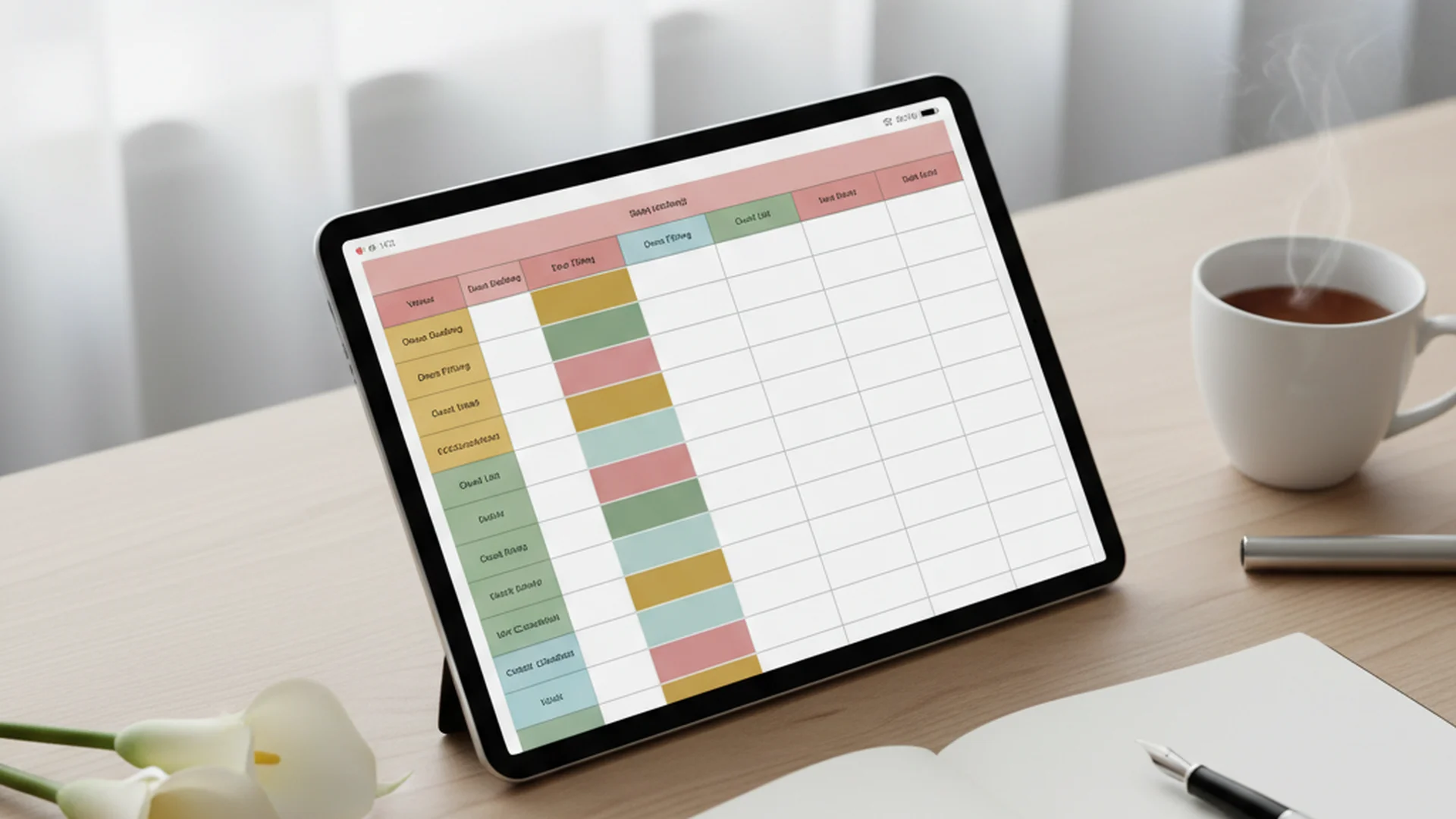
- Digital spreadsheets are now the go-to tool for most modern couples coordinating their wedding.
- Apply a 15% time buffer to all activities to prevent logistical delays.
- Organize your spreadsheet by tabs (Master Timeline, Vendors, Budget) for maximum clarity.
Planning a wedding is often described as a labor of love, but let’s be honest: it’s also a massive exercise in project management. With the average couple hiring 14 different vendors, each with their own arrival times, setup requirements, and contractual obligations, the "to-do" list can quickly become overwhelming. This is where a wedding timeline spreadsheet becomes your most valuable asset. It is the nervous system of your celebration, ensuring that every moving part—from the first curl of hair in the morning to the final sparkler send-off—functions in perfect harmony.
In 2025, digital adoption is at an all-time high, with most couples ditching the physical binder in favor of dynamic digital tools. Whether you are a DIY enthusiast or working with a pro, a centralized spreadsheet is the only way to keep your sanity intact while managing the complex web of modern wedding logistics.
Why a Wedding Timeline Spreadsheet is Non-Negotiable
The shift toward digital planning isn't just a trend; it's a necessity. These days, the majority of wedding planning is handled by the couple themselves. Without a professional planner to manage the minute-by-minute flow, the responsibility of coordinating 14+ vendors falls squarely on your shoulders.
A spreadsheet offers something a paper checklist cannot: real-time collaboration. When you update the "First Look" time on your Google Sheet, your photographer, videographer, and hair stylist can see the change instantly. This eliminates the risk of working from outdated versions of the schedule, which is one of the leading causes of wedding day stress.
Tip
Choosing the Right Platform
Before you enter your first timestamp, you need to choose the right environment for your data. While there are many apps available, three platforms dominate the wedding world in 2025.
| Platform | Best For | Pros | Cons |
|---|---|---|---|
| Google Sheets | Real-time Collaboration | Free, easy sharing, accessible on mobile | Lacks advanced "visual" features |
| Microsoft Excel | Complex Budgeting | Powerful formulas, great for "what-if" scenarios | Difficult to collaborate in real-time |
| Notion | Visual Databases | Can link mood boards to your timeline | Steeper learning curve for beginners |
For most couples, Google Sheets is the gold standard because of its "Protected Ranges" feature. This allows you to share the sheet with a vendor while "locking" certain cells so they can't accidentally delete your guest list.
How to Structure Your Spreadsheet: The Tab-Based Method
One of the most common mistakes couples make is trying to cram every detail into a single sheet. This leads to "information overload" and makes the document difficult to read on a mobile device—which is exactly how you’ll be viewing it on the wedding day. Instead, use a tab-based organization system.
Tab 1: The Master Day-Of Timeline
This is the heart of your wedding timeline spreadsheet. It should be an hour-by-hour (and in some cases, minute-by-minute) breakdown of the day.
- Column A: Time (e.g., 08:00 AM)
- Column B: Activity (e.g., Hair & Makeup Begins)
- Column C: Location (e.g., Bridal Suite - Room 402)
- Column D: People Involved (e.g., Bride, Bridesmaids, Lead Stylist)
- Column E: Notes/Details (e.g., Stylist needs 2 outlets and a high chair)
Tab 2: Vendor Contact & Logistics
List every vendor, their lead contact name, phone number, and their specific arrival/departure window.
Note
Tab 3: The Sustainability Audit
A rising trend for 2025 and 2026 is the "Sustainability Audit" tab. Use this to track rental returns and plan for floral repurposing. For example, your spreadsheet can note that the ceremony aisle markers are to be moved to the sweetheart table during cocktail hour.
The Golden Rules of Timeline Planning
Creating a schedule that actually works requires more than just filling in boxes. You must account for the "human element" of the day.
The 15% Buffer Rule
Expert planners recommend adding a 15% time buffer to every single activity. If your GPS says the drive from the hotel to the venue takes 20 minutes, log it as 30 in your wedding timeline spreadsheet. If your makeup artist says they need 45 minutes per bridesmaid, schedule 60. This buffer absorbs the inevitable small delays—a missing boutonnière, a forgotten lipstick, or a slow-moving elevator.
Work Backward from the Ceremony
Never start your timeline from the morning. Start with your Ceremony Start Time and work backward.
- Ceremony: 4:00 PM
- Guest Seating: 3:30 PM
- Pre-Ceremony Hidden Period: 3:00 PM (Bride/Groom hidden from arriving guests)
- First Look & Couple Portraits: 1:30 PM
- Getting Ready Finished: 1:00 PM
Heads up
From the OurVows workspace
Build your day-of timeline in minutes.
Generate a minute-by-minute schedule, assign vendors, and share it with everyone who needs it.
Real-World Examples
To help you visualize how this looks in practice, let’s look at three different wedding styles and how their timelines differ.
Example 1: The Traditional Evening Wedding
- 4:00 PM: Ceremony begins.
- 4:30 PM: Cocktail hour (requires "Guest Movement" time in the sheet).
- 5:30 PM: Grand Entrance & First Dance.
- 6:00 PM: Dinner served.
- 7:30 PM: Dancing begins.
Example 2: The "Introverted I Dos" (2025 Trend)
This "deconstructed" wedding style is gaining popularity for 2025.
- 12:00 PM: Private Vow Exchange (Just the couple and a photographer).
- 2:00 PM: Lunch with immediate family only.
- 5:00 PM: "The Big Party" begins with cocktails immediately (no formal ceremony).
Example 3: The Brunch Wedding
- 10:00 AM: Morning Ceremony.
- 11:00 AM: Mimosa Hour.
- 12:00 PM: Brunch Buffet.
- 2:00 PM: Lawn Games and Departure.
Do this
Common Mistakes to Avoid
Even with the best tools, it is easy to fall into logical traps that can derail your wedding day.
The "Zero-Minute" Transition
Many couples assume that if the ceremony ends at 5:00 PM, the cocktail hour starts at 5:00 PM. In reality, moving 150 people from one room to another, or from a lawn to a patio, takes 15-20 minutes. Always include a row in your spreadsheet for "Guest Transition."
Forgetting Vendor Meals
Your vendors (photographer, videographer, DJ) are humans who need to eat. If you don't schedule a 30-minute block for their meal in the timeline, your photographer might be forced to eat during your cake cutting.
Tip
Missing GPS Addresses
Do not just write "The Church" or "The Hotel." Include the exact GPS address with a clickable link in your spreadsheet. This is a lifesaver for out-of-town wedding parties and vendors who are navigating your city for the first time.
Future-Proofing with AI Integration
As we move into 2025 and 2026, AI is becoming a staple in wedding planning. A growing number of couples are turning to AI-powered tools for timeline generation. You can use AI (like Gemini within Google Sheets) to:
- Clean Data: Automatically format phone numbers and addresses in your guest list.
- Calculate Photography Windows: Input your sunset time, and ask the AI to suggest the best 30-minute window for "Golden Hour" photos.
- Draft Communications: Use your timeline data to automatically generate "Arrival Instruction" emails for your vendors.
For those focusing on the emotional side of the day, using an internal link to Wedding Vow Writer can help you integrate your personal vows into the timeline without the stress of the blank page.
Frequently asked questions
Should I use Google Sheets, Excel, or Notion for my wedding?
When should the wedding timeline start?
How do I share the spreadsheet without people messing it up?
How much time should I leave for hair and makeup?
Conclusion
A wedding timeline spreadsheet is more than just a document; it’s your peace of mind in digital form. By structuring your data logically, accounting for transitions, and utilizing the 15% buffer rule, you transform a potentially chaotic day into a seamless celebration. Remember, the goal of the spreadsheet isn't to make your wedding feel like a corporate event—it's to handle the logistics so that when the day finally arrives, you can stop being a project manager and start being a guest at your own party.
For more detailed planning resources, check out our Complete Wedding Timeline Planning Guide or explore our 4 Hour Wedding Reception Timeline for shorter celebrations.
Do this
Ready when you are
Ready to Organize?
Build your perfect wedding day schedule with our expert tools.
Ready when you are
Plan your wedding without the chaos.
Free forever for couples just getting started. Two minutes to set up. No credit card.
Keep reading

Mastering the Micro Wedding Timeline: A Guide to Intentional Celebrations
Planning a wedding with 20-50 guests? Discover the perfect micro wedding timeline to balance intimacy, luxury, and intentionality for your 2025 or 2026 celebration.

Mastering the 4 Hour Wedding Reception Timeline: The Ultimate Guide
Plan a high-energy celebration with our 4 hour wedding reception timeline. Learn expert tips on scheduling, cost savings, and 2025 wedding trends.

The Wedding Timeline Coordinator’s Playbook: Expert Tips for 2025-2026
Master your big day with expert wedding timeline coordinator tips. Learn about the Rule of 15, digital integration, and how to manage modern 2025 wedding trends.