The Ultimate Guide to Creating Your Wedding Guest List Spreadsheet
Master your wedding planning with a professional wedding guest list spreadsheet. Learn expert tips for tracking RSVPs, meal choices, and your 2025 wedding budget.
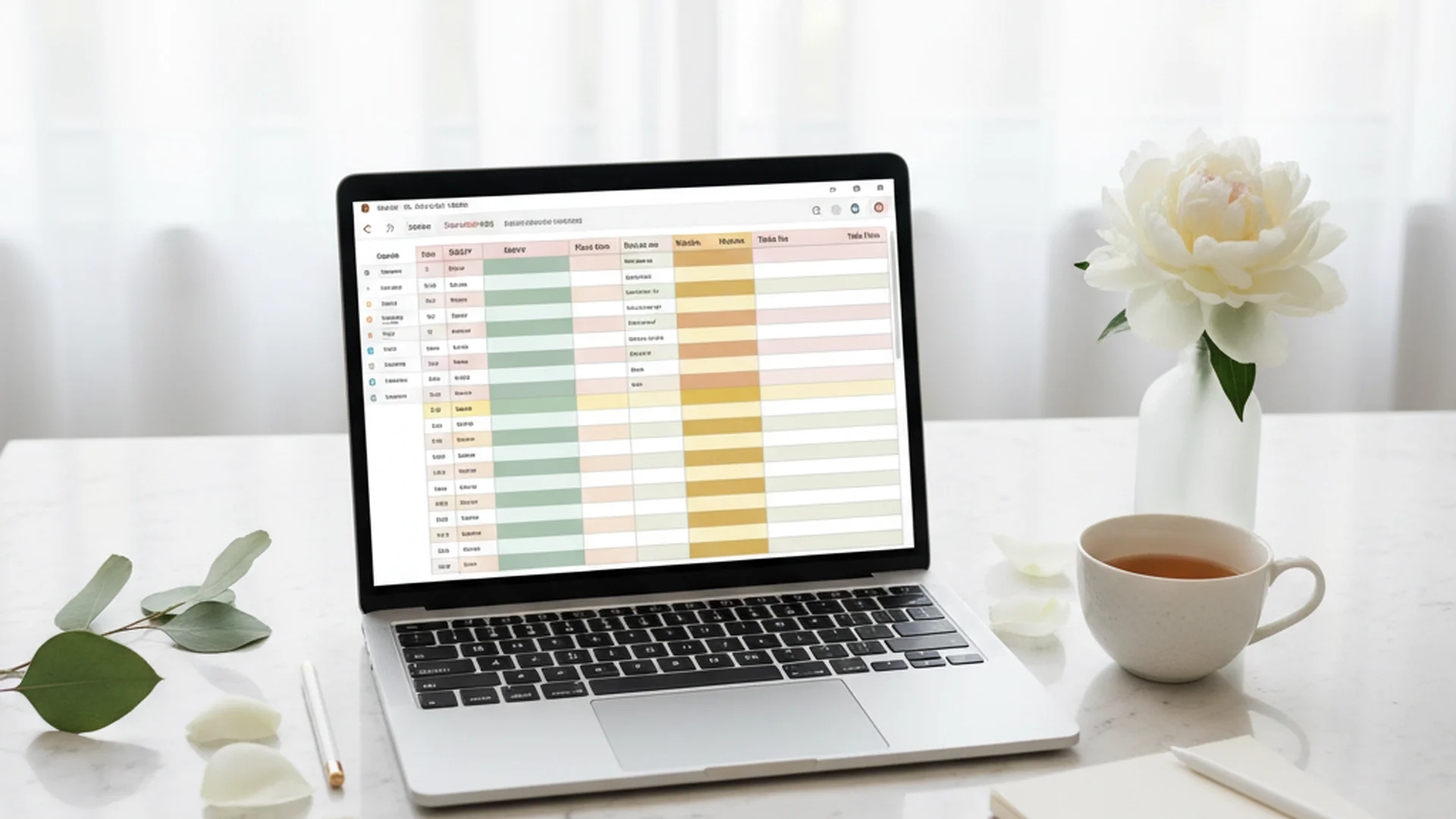
- A spreadsheet is the foundational tool for managing wedding costs and logistics.
- Tracking data in tiers (A-List vs. B-List) helps maximize venue capacity.
- Digital-first trends like QR codes and AI are streamlining guest management for 2025.
Creating a wedding guest list spreadsheet is arguably the most critical step in the early stages of your planning journey. While choosing a dress or tasting cake might be more enjoyable, the guest list is the engine that drives your budget, venue choice, and overall wedding atmosphere. As a relationship counselor, I often see couples hit their first major planning hurdle right here—at the intersection of family expectations and financial reality. A well-organized spreadsheet isn't just a list of names; it is a boundary-setting tool that ensures your big day remains a reflection of your shared values rather than a source of stress.
Why a Spreadsheet is Your Wedding MVP
The sheer volume of data involved in a modern wedding is staggering. For a standard 2025 wedding, you aren't just tracking names; you are tracking physical addresses, email addresses, dietary restrictions, plus-ones, and rehearsal dinner attendance. Attempting to manage this in a standard notebook or via fragmented text messages is a recipe for disaster.
A spreadsheet allows for real-time collaboration. Whether you prefer Google Sheets or Excel Online, having a "living document" means both partners—and potentially a wedding planner—can make updates simultaneously. This prevents the "Who has the most recent version?" argument that often plagues engaged couples.
Furthermore, the data in your spreadsheet directly informs your financial planning. Given that the average cost per guest in 2025 ranges from $150 to $300, adding just ten extra people can swing your budget by $3,000. Using your spreadsheet to stay organized helps you visualize these costs before they become insurmountable.
Tip
Setting Up Your Columns: The Essential Framework
To make your wedding guest list spreadsheet work for you, it needs to be structured for "clean" data. This means separating information into as many specific columns as possible. If you put a guest's entire address in one cell, you won't be able to use "Mail Merge" tools to print your envelopes later.
Basic Contact Information
- First Name & Last Name: Keep these in separate columns for easy sorting.
- Street Address: Use one column for the house number/street and another for "Unit" or "Apt."
- City, State, & Zip: Essential for organizing local vs. out-of-town guests.
- Email Address: Crucial for digital Save the Dates and last-minute updates.
Logistics and Tracking
- Guest Group: Label guests as "Bride’s Family," "Groom’s Friends," "Coworkers," etc. This helps when you need to manage coworkers on your wedding guest list.
- RSVP Status: Use a dropdown menu with options like "Pending," "Attending," and "Declined."
- Plus-One: A simple Yes/No column.
- Number of Children: This is vital for catering costs and deciding on adults-only wedding wording.
Reception Details
- Meal Choice: List specific options (Beef, Fish, Vegan).
- Allergies: A text-entry column for specific dietary needs.
- Table Number: You’ll fill this in later during the seating chart phase.
- Gift Description & Thank You Sent: A checkbox to ensure no one is forgotten.
Note
Implementing a Tiered System (A-List vs. B-List)
One of the most effective ways to manage a growing guest list is the tiered system. This approach allows you to invite the maximum number of people your venue and budget allow without the risk of over-crowding.
Tier A: The Non-Negotiables
These are the people you cannot imagine getting married without. This includes immediate family, your wedding party, and your closest inner circle. These invitations go out in the first wave.
Tier B: The "Would Love to Have" Group
The B-List consists of extended family, distant friends, or coworkers. You only send invitations to this group as "Regrets" come in from Tier A.
For more details on how to execute this without offending anyone, read our guide on A-List and B-List wedding guests. This strategy is particularly useful when you are trying to stay within a specific budget, such as a $20,000 wedding budget.
Do this
2025 Trends in Guest Management
As we move through 2025 and into 2026, technology is changing how couples interact with their spreadsheets. It is no longer just a static table of data.
QR Code Integration
Most modern invitations now include a QR code. When guests scan this code, they are taken to a digital RSVP form. The best part? This data can be set up to automatically populate your wedding guest list spreadsheet. No more manual entry from paper cards.
AI-Assisted Seating and Communication
Artificial Intelligence tools are now being integrated into planning platforms. AI can analyze your guest list categories to suggest optimal seating charts, ensuring your "College Friends" aren't accidentally sat with your "Great Aunt Martha." Some tools even draft personalized "reminder" texts for guests who haven't RSVP'd by the deadline.
The Sustainability Filter
Sustainability is a major trend for 2025. A growing number of couples are now using their guest list as a primary tool for environmental impact. By keeping the list intimate, they reduce food waste and the carbon footprint associated with guest travel. If you are leaning toward an "intimate" or "micro-wedding," check out our guest count calculator to see how your numbers affect your overall footprint and budget.
Heads up
From the OurVows workspace
Wrangling the guest list?
Households, plus-ones, dietary needs, and RSVPs — all in one place, importable from a spreadsheet.
Common Mistakes to Avoid
Even with a spreadsheet, it is easy to make errors that lead to awkward conversations or budget overages.
1. Hardcoding Totals
Many couples manually type "120" at the bottom of their list. This is a mistake. If you add or remove a name, that total is now wrong. Instead, use formulas like =SUM(Range) or =COUNTIF(Range, "Attending"). This ensures your headcount is always accurate to the second.
2. The "Address Scramble"
Don't wait until you have the physical invitations in hand to start collecting addresses. This often results in a frantic week of texting cousins and aunts. Use a digital tool to collect addresses early and import them directly into your spreadsheet.
3. Forgetting "Hidden" Guests
Your guest list isn't just your friends and family. You must account for:
- The Couple: Yes, you need to count yourself for catering!
- The Wedding Party: They eat, too.
- Vendors: Your photographer, DJ, and wedding planner often require a "vendor meal" per their contract. Ensure there is a section in your spreadsheet for vendor meals so they aren't forgotten in the final headcount.
4. Inviting Out of Obligation
The "One-Year Rule" is a lifesaver: If you haven't spoken to them in a year, they don't need an invite. Inviting your parents' coworkers or distant cousins you haven't seen since childhood can quickly balloon your costs. If you are struggling with the math, our Complete Wedding Guest Management Guide offers deeper strategies for making these tough cuts.
Using Multiple Tabs for Wedding Weekends
The standard wedding has evolved into a multi-event weekend. Your wedding guest list spreadsheet should reflect this. Rather than having one giant, confusing list, use different tabs for each event:
- Main Wedding Day: The master list for the ceremony and reception.
- Rehearsal Dinner: A smaller subset of the master list.
- Welcome Drinks: Often includes all out-of-town guests.
- Farewell Brunch: Usually reserved for family and close friends.
Having separate tabs allows you to track different RSVP statuses and meal choices for each event without cluttering your main data set.
Frequently asked questions
Do we include ourselves in the guest count?
How many people should we "over-invite"?
When should the final guest list be locked?
How do I handle plus-ones for single guests?
Conclusion
A wedding guest list spreadsheet is more than just a table of names; it is the roadmap for your entire celebration. By organizing your data early, using tiered invitation rounds, and leveraging modern tools like QR codes and automated formulas, you can significantly reduce planning stress. Remember that your guest list is a reflection of your community, but it is also a logistical puzzle that requires a steady hand and a clear strategy.
As you begin to see the numbers add up, don't be afraid to make the tough calls that protect your budget and your peace of mind. A smaller, more intentional guest list often leads to a more meaningful experience for everyone involved.
Do this
Ready when you are
Need help with the numbers?
Use our free tools to calculate your perfect guest count and budget.
Ready when you are
Plan your wedding without the chaos.
Free forever for couples just getting started. Two minutes to set up. No credit card.
Keep reading

The Ultimate Guide to Hosting International Wedding Guests in 2026
Navigate the complexities of international wedding guests with our expert guide. From etiquette and logistics to 2026 trends, ensure your global loved ones have a seamless experience.

How to Trim Your Wedding Guest List Without the Guilt: A 2025-2026 Guide
Learn expert strategies for trimming your wedding guest list. From the 1-year rule to the "Dinner Test," manage your budget and family expectations with ease.

The Ultimate Guide to a Wedding RSVP Tracking System: 2025-2026 Edition
Master your guest list with an automated Wedding RSVP Tracking System. Learn about AI tools, QR codes, and expert tips for managing your 2025 wedding.