Mastering Your Wedding Website Schedule Page: The Ultimate Guide for 2025 & 2026
Learn how to create a guest-friendly wedding website schedule page. Explore trends for 2025-2026, best practices, and essential tips to keep your guests informed.
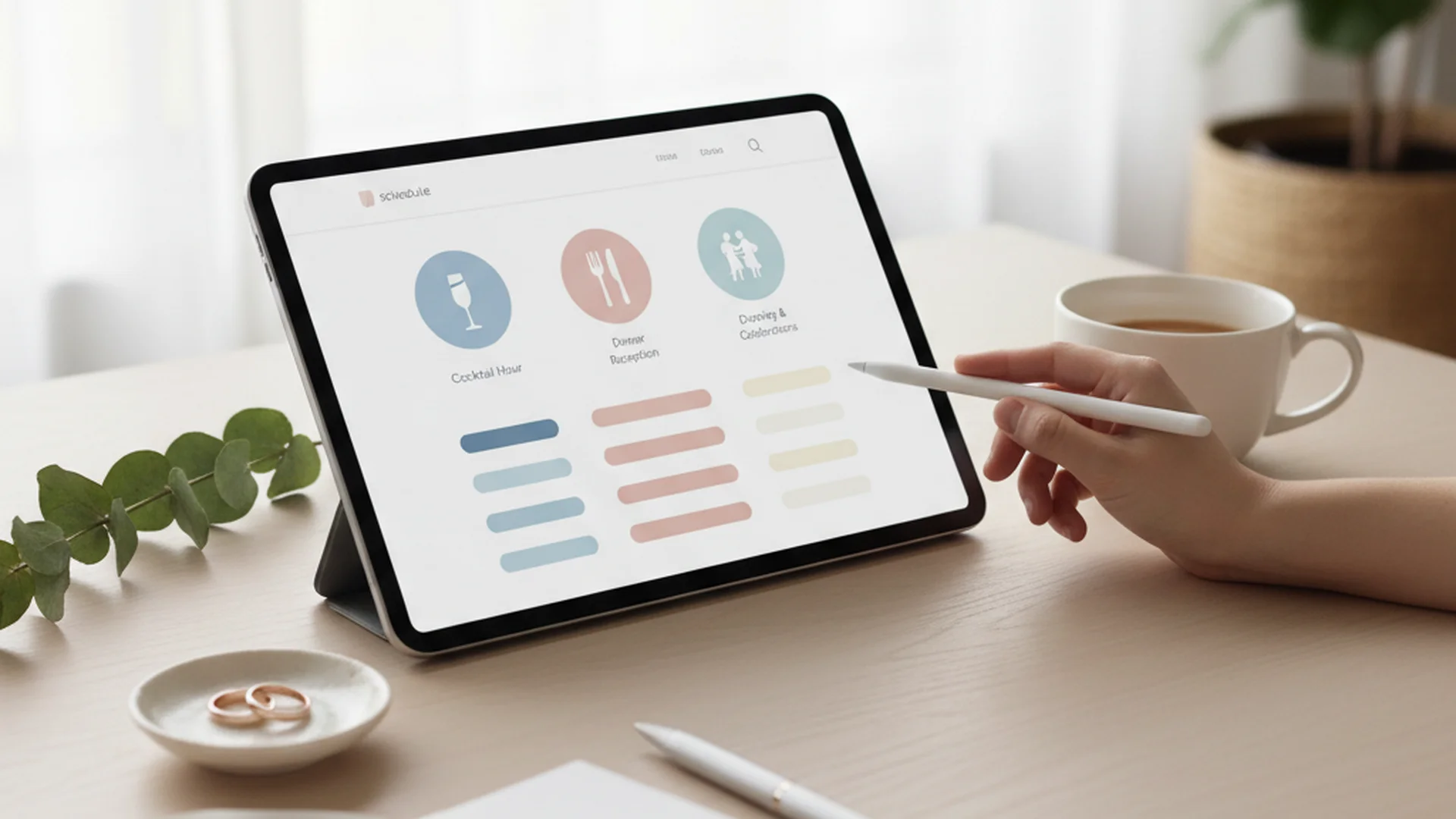
- Most guests check the schedule page via mobile on the wedding day.
- Use chronological timelines and direct Google Maps pins for venues.
- Address "the gap" and dress codes clearly to reduce guest stress.
Planning a wedding is as much about logistics as it is about love. As a relationship counselor, I often see how guest-related stress can trickle down to the couple. One of the most effective ways to mitigate this tension is by creating a comprehensive wedding website schedule page. This digital hub acts as the "North Star" for your guests, providing them with the clarity they need to navigate your big day (or weekend) with ease. In an era where digital dependency is at an all-time high, your schedule page is more than just a list of times—it is the foundation of a smooth guest experience.
Why the Schedule Page is Your Most Important Digital Asset
Most couples now use wedding websites specifically to share critical event information. While your invitation sets the tone, the schedule page does the heavy lifting. In 2025, guests are looking for more than just a ceremony time; they are looking for a roadmap that justifies their travel and financial investment.
When you consider that the average guest spends roughly $580 to attend a wedding, providing a clear itinerary is a matter of hospitality. It allows them to book the right flights, arrange childcare, and choose the appropriate attire without having to text the couple for clarification.
Note
The Anatomy of a High-Converting Schedule Page
A "high-converting" schedule page doesn't just look pretty; it ensures guests are exactly where they need to be, when they need to be there. If you are just starting your digital planning journey, you might want to review How to Build Wedding Website for technical basics before diving into the itinerary specifics.
1. The "Golden Rule" of Chronological Clarity
Avoid the temptation to be overly "creative" with your event naming. While "Sips and Sunshine" sounds lovely, your guests need to know it means "Cocktail Hour." Use a chronological vertical timeline. This format is the most intuitive for mobile users who are scrolling quickly while walking from a hotel lobby to a shuttle bus.
2. Location Hyperlinking and "The Pin"
Don’t just list the name of the venue and its street address. Every venue name on your wedding website schedule page should be a direct hyperlink to Google Maps.
Tip
3. The "Add to Calendar" Feature
This is a game-changer for 2025. Providing 1-click buttons for Google Calendar and iCal for each major event ensures your schedule lives in their pocket. This prevents them from needing to re-visit the site every time they forget what time the shuttle leaves.
4. Tiered Visibility and Privacy
If you are hosting a Rehearsal Dinner or a Private Family Breakfast, you don't want to list these publicly and risk hurting the feelings of uninvited guests. Use a platform that allows for Tiered Visibility. This feature hides specific events so only guests tagged for that event see them after logging in to RSVP.
| Feature | Purpose | Guest Benefit |
|---|---|---|
| Google Maps Links | Direct Navigation | No lost guests or late arrivals |
| Add to Calendar | Push Notifications | Real-time reminders on phones |
| Dress Code Icons | Visual Cues | Confidence in attire choices |
| Shuttle Timings | Logistics | Safe transportation planning |
Addressing the "Guest Anxiety" Factor
As a relationship consultant, I’ve noticed that most guest frustration stems from the "unknowns." Your wedding website schedule page should proactively answer the questions guests are often too polite (or too stressed) to ask.
The Ceremony Start Time vs. Doors Open
One of the most frequent questions is: "What time does the ceremony actually start?" If your invite says 4:00 PM, some guests will arrive at 3:30 PM, while others will pull into the parking lot at 4:00 PM.
Do this
Handling "The Gap"
If you are having a traditional church ceremony followed by a later reception, you likely have a "gap." Failing to provide "Things to Do" during this time leads to frustrated, wandering guests. List nearby coffee shops, museums, or even your favorite local park on the schedule page to bridge the time.
Heads up
Trends for 2025 and 2026: The New Wedding Flow
Wedding schedules are evolving. We are moving away from the rigid "Ceremony-Cocktails-Dinner" formula of the past decade.
The "Deconstructed" Wedding
In 2026, couples are increasingly opting for "roaming dinner parties." Instead of a seated three-course meal, the schedule might feature "Multi-Stage Receptions" where different food stations and entertainment segments open at different times across various rooms. Your schedule page needs to reflect this flow so guests don't feel they've missed the "main event."
Digital Itinerary Cards
A rising trend is the creation of a "Mobile Wallpaper Schedule." This is a single, aesthetically pleasing image or PDF that guests can save as their phone wallpaper. It’s a low-tech solution to the high-tech problem of spotty Wi-Fi at rural venues.
The "Non-Wedding" Schedule
For 2025, the "effortless flow" is in. This emphasizes "Welcome Hangouts" and "Open Houses" rather than strict 15-minute intervals. This is particularly popular for multi-day destination weddings where the goal is connection rather than a series of performances. For more ideas on how to structure your site, see Wedding Website Home Page Ideas.
From the OurVows workspace
Building your wedding website?
Pick a template, claim your custom subdomain, and collect RSVPs and gifts — the OurVows website builder is part of Plus, from $12/mo.
Common Mistakes to Avoid
Even the most tech-savvy couples can fall into these traps when designing their wedding website schedule page.
- Forgetting the End Time: Guests (and their babysitters) need to know when the party ends. Listing a "Send-off" time helps people plan their transportation home.
- Information Overload: You don't need to list "Cake Cutting" or "First Dance." Stick to the transition points where guests actually need to move or change their behavior.
- Ignoring Real-Time Updates: If the weather forces your outdoor ceremony indoors, the website should be updated immediately. Many couples forget that this is their primary communication tool during "game time."
- Assuming Paper is Enough: Most guests lose the paper insert within weeks. If the information isn't on the website, expect a flurry of texts on your wedding morning.
Tip
Real-World Examples of Effective Schedules
Example 1: The Destination Weekend
For a wedding in Tuscany, the schedule page includes:
- Friday: Welcome Pizza Party (Casual Attire).
- Saturday: The Main Event (Black Tie).
- Sunday: Recovery Brunch (Poolside/Swimwear). Each event has a specific dress code and a "Shuttle Pickup" time listed clearly at the top.
Example 2: The City "Micro-Wedding"
With a smaller guest list, this couple used AI-personalized timelines. When a guest logs in, they see their specific seat number for the dinner and the time their specific Uber voucher becomes active.
Example 3: The Hybrid Wedding
For couples with a large remote guest list, the schedule page features a prominent "Join Live" button with a countdown timer. This ensures virtual guests feel just as included in the timeline as those on-site.
Frequently asked questions
What time does the ceremony actually start?
Is there a "gap" between the ceremony and reception?
What is the dress code for each specific event?
Is the event indoors or outdoors?
Is transportation provided between the hotel and the venue?
Is there an after-party or a day-after brunch?
Conclusion: A Gift to Your Guests
A well-organized wedding website schedule page is ultimately a gesture of love and respect for your guests' time and resources. By providing clear timelines, hyperlinked locations, and proactive answers to common questions, you reduce the "logistical noise" of the weekend. This allows everyone—including you—to focus on what truly matters: the celebration of your new life together.
As you finalize your plans, remember that your website is a living document. Keep it updated, keep it mobile-friendly, and keep it focused on the guest experience. If you haven't chosen a platform yet, you might find our Wedding Website Builder Comparison helpful in finding a tool that supports these advanced schedule features.
Do this
Ready when you are
Ready to Start?
Build your perfect wedding schedule today.
Ready when you are
Plan your wedding without the chaos.
Free forever for couples just getting started. Two minutes to set up. No credit card.
Keep reading
The Ultimate Guide to Your Wedding Website Travel Page: 2025 Edition
Learn how to build a high-converting Wedding Website Travel Page. Includes 2025 trends, hotel block tips, and guest logistics to ensure a stress-free experience.

The Ultimate Guide to Wedding Website Mobile Optimization
Ensure your guests have a seamless experience with our guide to wedding website mobile optimization. Learn the latest 2025-2026 trends and best practices.

The Ultimate Guide to Your Wedding Website Announcement: 2025-2026 Edition
Learn the best timeline, wording, and tech trends for your wedding website announcement. Master your digital planning with expert tips for 2025 and 2026.