10 Essential Wedding Website Design Tips for 2025 and 2026
Master your wedding website design with expert tips for 2025-2026. Learn about mobile-first layouts, modern regency trends, and essential guest features.
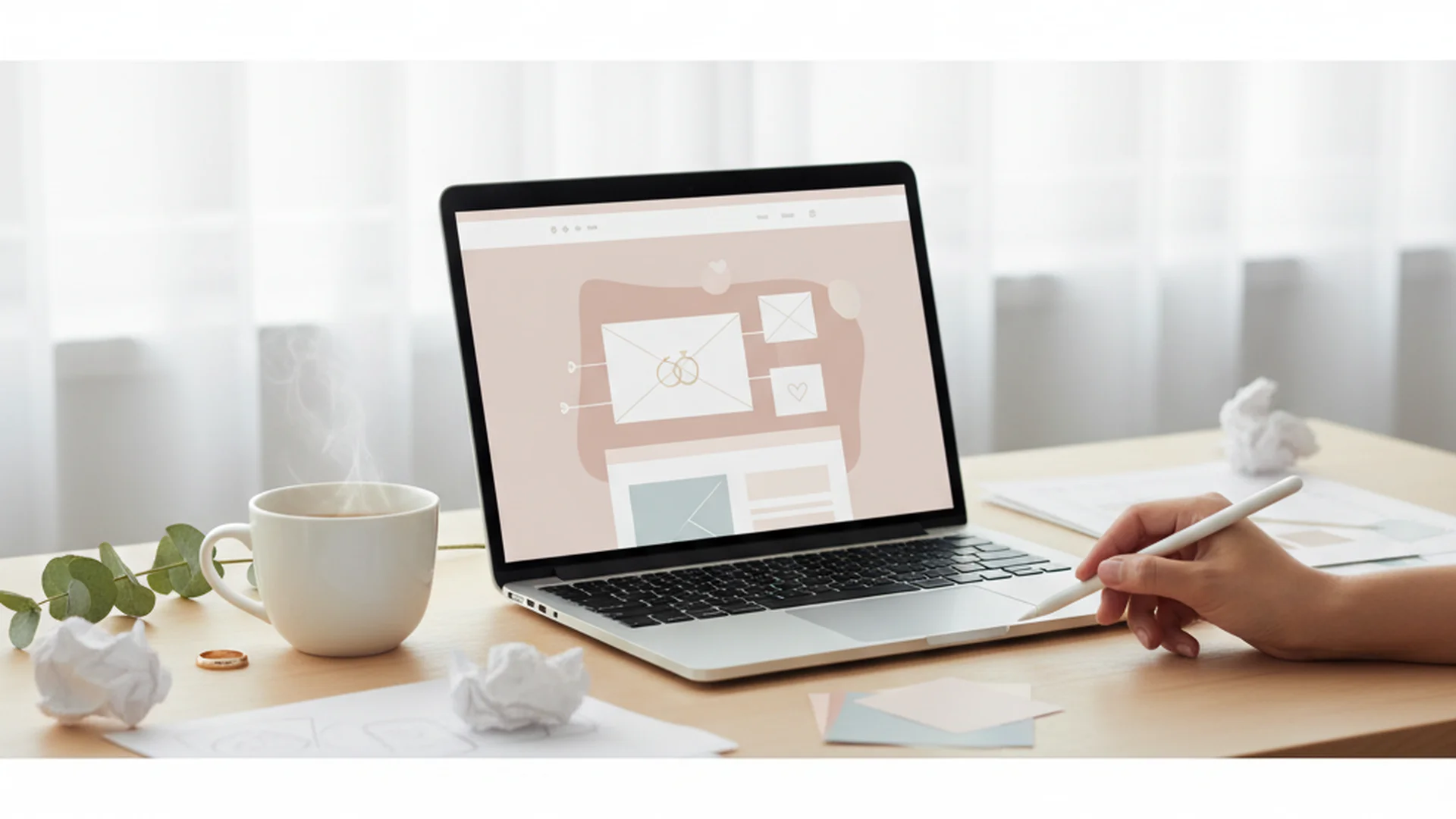
- Prioritize mobile-first design as most guests will access your site via smartphone.
- Launch your site 6-8 months before the big day, ideally alongside your Save the Dates.
- Embrace 2025 trends like 'Glassmorphism' and 'Modern Regency' to stand out.
In the grand production that is your marriage, your wedding website isn't just a digital flyer—it is the "Digital Concierge" for your entire guest list. As you navigate the complexities of venue selection and floral arrangements, implementing the right Wedding Website Design Tips ensures your guests stay informed while you stay sane. With most couples now launching personalized sites, the bar for digital hospitality has never been higher.
Your website is the hub where logistics meet storytelling. It’s where your Great Aunt Martha finds the hotel block and where your college roommates finally learn how you and your partner actually met (no, it wasn’t at a dive bar, Alistair remembers it differently). In 2025, a successful site requires more than just a template; it requires a blend of user experience, high-end aesthetics, and intuitive technology.
1. Prioritize a Mobile-First Experience
In practice, most of your guests will be looking at your website while sitting in an Uber, standing in a terminal, or—let’s be honest—sitting at their office desks. If your site looks beautiful on a 27-inch iMac but becomes a jumbled mess on an iPhone 15, you’ve failed the first test of guest experience.
When choosing a platform or designing your layout, ensure buttons are large enough to be tapped with a thumb (the "fat finger" rule). Avoid hover-state menus that don't translate to touchscreens. A mobile-optimized site ensures that your RSVP button is always front and center, reducing the number of "Is this thing working?" texts you receive at 11:00 PM.
Tip
2. Establish a Clear Visual Hierarchy
The primary reason guests visit your site is to find information, not to admire your choice of parallax scrolling. You must place the most critical information "above the fold"—the area of the screen visible without scrolling.
The Essential Hierarchy:
- The Who: Your names.
- The When: The date (clearly formatted).
- The Where: The city and state (or country).
- The Action: A prominent RSVP button.
By following these Wedding Website Design Tips, you prevent "information fatigue." If you're looking for more foundational advice, check out our Complete Wedding Website Creation Guide to get started on the right foot.
3. Embrace 2025 Aesthetic Trends
We are moving away from the era of "Sad Beige" minimalism. For 2025 and 2026, wedding design is taking a turn for the bold, the romantic, and the textured.
Modern Regency and "Bridgerton-Core"
There has been a major surge in interest for romantic, pastel-heavy designs. Think digital lace borders, serif typography that feels like a handwritten letter, and soft floral backgrounds. This style works beautifully for garden weddings or historic manor venues.
Glassmorphism and Layered Storytelling
"Glassmorphism" is a design trend where elements look like frosted glass. It uses background blur and semi-transparent layers to create depth. When paired with a grid-based "Archival Index" layout, your website looks less like a static page and more like a high-end digital scrapbook or a curated Instagram feed.
Vibrant Palettes
Say goodbye to muted tones. We are seeing a rise in "Midnight Blue," "Funky Fuchsia," and "Earthy Chartreuse." Don't be afraid to let your website reflect the actual color palette of your wedding day.
Note
4. The "Blueprint" of Essential Pages
A well-designed wedding website is only as good as its content. While it's tempting to add a page for your cat's biography, stick to the essentials first.
| Page Name | Purpose | Critical Element |
|---|---|---|
| Home | The "Hook" | Date & Venue Location |
| Schedule | Logistics | Attire & Transportation Info |
| Travel | Guest Comfort | Hotel Block Links & Maps |
| Registry | Gifting | Direct Links to Cash Funds |
| FAQ | Boundary Setting | Kids Policy & Plus-Ones |
| RSVP | Data Collection | Meal Preferences |
If you are struggling to decide which builder to use for these pages, our Wedding Website Builder Comparison can help you find the right fit for your technical skill level.
5. Master the Art of Personalization
Your website shouldn't feel like a government form. Use your "Our Story" section to build an emotional connection. This is particularly important for guests who may only know one member of the couple.
Real-World Example 1: The Timeline Story Instead of a long essay, use a vertical timeline.
- 2020: Met at a coffee shop.
- 2021: Adopted a golden retriever named Barnaby.
- 2023: Proposed at the top of a mountain (Alistair cried).
- 2025: We say "I do!"
Include 3-5 high-quality engagement photos. If you haven't taken professional photos yet, high-quality "real life" photos work just as well to show your personality.
6. Use Tech to Simplify the RSVP Process
The RSVP process is usually the biggest headache in wedding planning. In 2025, technology has made this significantly easier.
- QR Codes: Include a personalized QR code on your physical "Save the Date" cards. When guests scan it, they should be taken directly to a pre-filled RSVP form.
- Simple Search: Use an RSVP system that allows guests to find their party by searching their name. Avoid complex login systems or passwords that guests will inevitably forget.
- AI Assistants: Builders like Joy now offer AI tools to help you draft your "About Us" section or even help guests figure out what to write in their digital guestbook.
Do this
From the OurVows workspace
Building your wedding website?
Pick a template, claim your custom subdomain, and collect RSVPs and gifts — the OurVows website builder is part of Plus, from $12/mo.
7. Strategic FAQ Section for "Awkward" Questions
Don't clutter your beautiful homepage with rules. Use an FAQ section to handle the logistical "policing" with grace and humor.
Real-World Example 2: The "No Kids" Policy
- Question: Can we bring our children?
- Answer: "While we love your little ones, our venue has a strict capacity limit. We have decided to make our big day an adults-only event so that everyone can relax and celebrate. We appreciate your understanding!"
Real-World Example 3: The Plus-One Query
- Question: Can I bring a date?
- Answer: "Due to venue constraints, we can only accommodate those specifically listed on your invitation. If your envelope was addressed to 'Your Name & Guest,' then yes! If not, we look forward to spending quality time with just you."
Heads up
8. Registry Integration and Modern Gifting
Most couples now include a digital registry on their site. While physical gifts (like that $400 toaster you’ll use twice) are still popular, the trend is shifting toward "Cash Funds."
When designing your registry page:
- Don't hide it: Make it a top-level menu item.
- Offer variety: Include a mix of traditional items and experiences (e.g., "Honeymoon Airfare" or "New Home Fund").
- Explain the "Why": Guests feel better giving money when they know it's going toward a specific goal, like a cooking class in Italy.
If you are worried about the cost of these registries or the site itself, you might want to look into the Best Free Wedding Website Builders available today.
9. Security and Privacy Settings
In an era of digital oversharing, privacy is paramount. You don't want your wedding details indexed by Google for anyone to find.
- Password Protection: Consider password-protecting the entire site or at least the pages containing sensitive information like your home address or specific venue directions.
- Disable Search Indexing: Ensure your builder has the "Hide from Search Engines" toggle turned on. This prevents random strangers from stumbling across your wedding schedule.
Note
10. Interactive Elements and Guest Engagement
The latest trend for 2026 is turning the website into a two-way street.
- Interactive Mapping: Embed a live Google Maps window. This allows guests to click "Open in Maps" directly from their phone for GPS navigation to the ceremony.
- Guest-Sourced Content: Some platforms allow guests to upload photos during the reception directly to a gallery on your website. This creates a "live" digital album that you can look at the very next morning.
- Wedding Hashtag: Use your site to promote your hashtag. If you're struggling to come up with one, try using a (Marketing) - Tools - Wedding Hashtag Generator to get some creative ideas.
Common Mistakes to Avoid
- Oversharing: No one needs a 10-page history of your relationship. Keep the "Our Story" section to under 500 words.
- Music Autoplay: Never, under any circumstances, have music start playing automatically when someone opens your site. It’s a jump-scare for guests and a sure way to make them close the tab immediately.
- Ignoring the RSVP Deadline: Be very clear about the deadline. Use a countdown timer if your builder supports it to create a gentle sense of urgency.
- Not Testing on Multiple Devices: Check your site on an iPhone, an Android, and a tablet before you send out the link.
Frequently asked questions
When should we launch our wedding website?
Do we need a digital registry if we have a physical one?
How do we handle 'plus-one' policies politely?
Should we password-protect our site?
Conclusion
Creating a wedding website is one of the few parts of wedding planning where you have total creative control over the guest experience before the event even begins. By following these Wedding Website Design Tips, you are building a bridge between your vision and your guests' comfort. Remember to keep it mobile-friendly, visually engaging, and—most importantly—easy to navigate.
Once your site is live and the RSVPs start rolling in, you can get back to the fun stuff, like cake tasting or trying to explain to your DJ why "Cotton Eye Joe" is strictly forbidden. If you're still in the early stages of planning, you might find our guide on How to Build Wedding Website helpful for a step-by-step walkthrough.
Do this
Ready when you are
Ready to Start?
Build your dream wedding website today with our easy-to-use tools.
Ready when you are
Plan your wedding without the chaos.
Free forever for couples just getting started. Two minutes to set up. No credit card.
Keep reading
The Ultimate Guide to Your Wedding Website Travel Page: 2025 Edition
Learn how to build a high-converting Wedding Website Travel Page. Includes 2025 trends, hotel block tips, and guest logistics to ensure a stress-free experience.
The Ultimate Guide to Wedding Website Mobile Optimization
Ensure your guests have a seamless experience with our guide to wedding website mobile optimization. Learn the latest 2025-2026 trends and best practices.
The Ultimate Guide to Your Wedding Website Announcement: 2025-2026 Edition
Learn the best timeline, wording, and tech trends for your wedding website announcement. Master your digital planning with expert tips for 2025 and 2026.