Mastering Wedding RSVP Tracking: The Ultimate Guide for 2025 and 2026
Navigate the complexities of wedding RSVP tracking with our guide on digital tools, AI automation, and etiquette for the 2025–2026 wedding season.
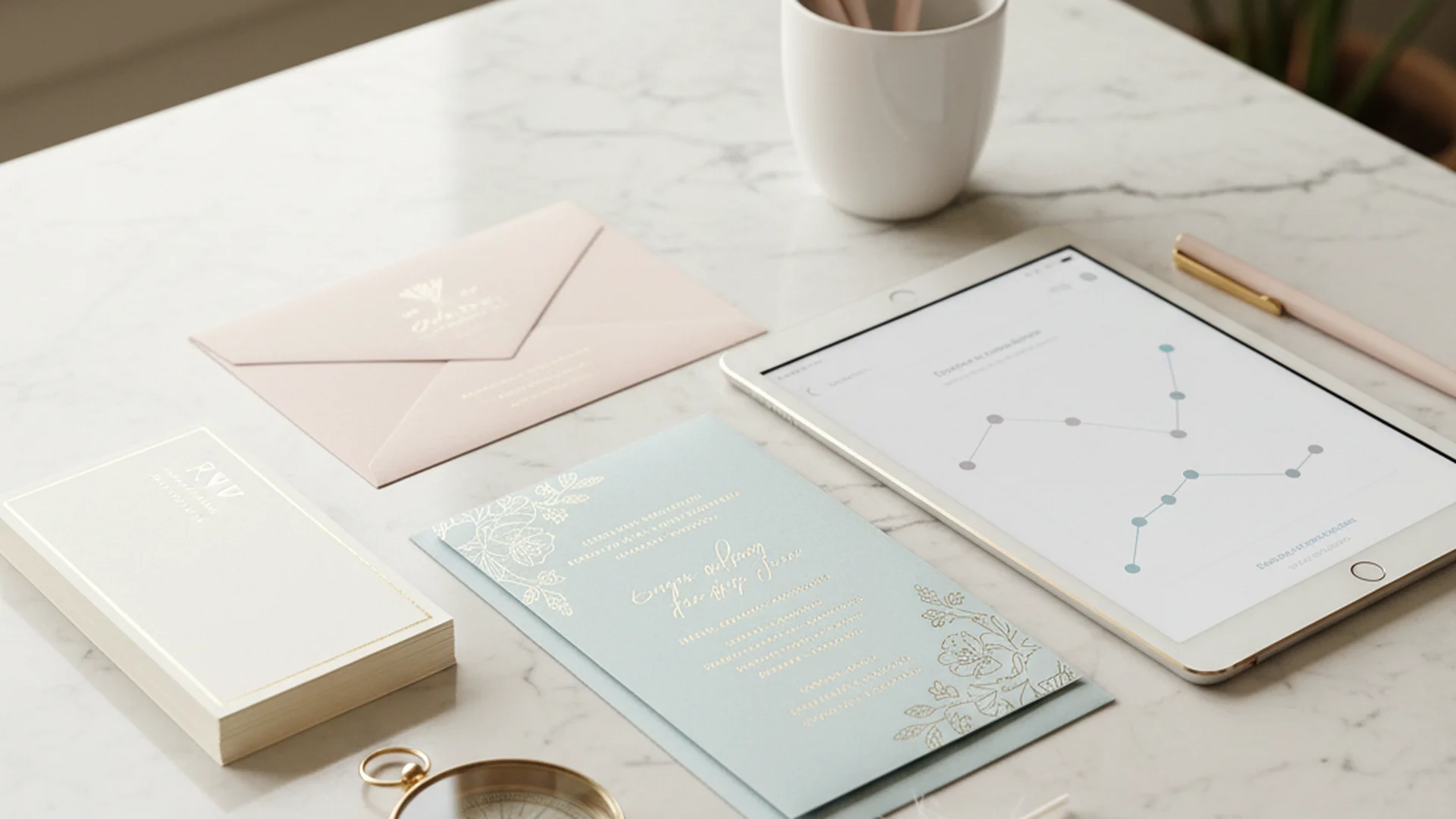
- Transition to digital-first or hybrid RSVP systems to save time and money.
- Set your deadline 3–4 weeks before the big day to allow for vendor headcounts.
- Use AI and automated text reminders to handle the many guests who may flake or delay.
The engagement high is wonderful, the dress shopping is a dream, and the cake tasting is delicious. But then comes the "hidden boss" of wedding logistics: Wedding RSVP Tracking. For many couples, this phase is the most stressful part of the entire planning process. It is the moment where your beautiful vision meets the cold, hard reality of guest counts, dietary restrictions, and the unpredictable nature of human behavior.
As we move into the 2025 and 2026 wedding seasons, the way we handle these responses is shifting. We are moving away from the anxiety of "lost in the mail" response cards and toward streamlined, AI-enhanced digital systems. Whether you are managing a 50-person micro-wedding or a 300-person gala, mastering your RSVP tracking is essential for keeping your budget and your sanity intact.
The High Stakes of the Headcount
Why is wedding RSVP tracking so critical? In 2025, the average cost per guest has risen to approximately $230. When you look at it through that lens, every "Yes" or "No" represents a significant financial shift. A handful of guests who RSVP "Yes" but fail to show up—a phenomenon most couples experience—can result in over $1,000 of wasted budget on food, drinks, and rentals.
Beyond the finances, your final headcount dictates your seating chart, the number of centerpieces required, and even the logistics of your transportation. If you are currently following a 12 Month Wedding Planning Checklist, you likely know that the final month is when these numbers become your primary focus.
The Modern Wedding RSVP Timeline
Timing is everything when it comes to gathering responses. If you set the deadline too early, guests won’t know their work schedules yet. If you set it too late, you’ll be frantically calling your caterer with last-minute changes.
Sending the Invitations
For a standard domestic wedding, invitations should be sent 6–8 weeks before the wedding. For destination weddings, this moves to 3–4 months. This gives guests ample time to check their calendars and book travel.
The RSVP Deadline
The "Goldilocks" zone for your RSVP deadline is 3–4 weeks before the wedding. This provides you with a one-week "buffer zone" to track down late responders before your final numbers are due to vendors (which is typically 1–2 weeks out).
The Follow-Up Window
Wait exactly one week after your deadline passes before you start your outreach. This allows for any snail-mail responses that were postmarked on the deadline to arrive.
Tip
Paper vs. Digital: The 2025 Hybrid Approach
In previous years, there was a strict divide between traditional paper RSVPs and modern digital ones. In 2025, the trend has shifted toward a "Hybrid" model. Most couples now use a wedding website for responses, but they often pair it with a physical invitation suite.
The Rise of the QR Code
For 2025–2026, the standard is a physical "Details Card" included in the invitation envelope that features a QR code. This code leads guests directly to the RSVP page of your wedding website. This reduces the friction of guest responses significantly, leading to higher response rates and fewer "lost in the mail" excuses.
Digital-Only Suites
Looking ahead to 2026, a growing majority of couples are expected to move to exclusively digital invitations. This is driven by both environmental concerns and the rising cost of stationery and postage. If you are working with a $5000 Wedding Budget, going digital is one of the easiest ways to save several hundred dollars instantly.
| Method | Pros | Cons |
|---|---|---|
| Traditional Paper | Formal, nostalgic, tactile | Expensive, high "lost" rate, manual data entry |
| Purely Digital | Eco-friendly, instant data, cheapest | May be difficult for older guests |
| Hybrid (QR Code) | Best of both worlds, high response rate | Requires a wedding website |
Tech Revolution: AI and Automation in Guest Management
We are entering an era where you don't have to be the one doing all the "nudging." New tools are revolutionizing wedding RSVP tracking by taking the manual labor out of the equation.
AI RSVP Chatbots
New AI-powered tools like TARS or Wonderchat allow you to deploy a chatbot on your wedding website. These assistants can answer guest questions 24/7—such as "What is the dress code?" or "Is there a shuttle?"—while simultaneously collecting their RSVP data.
Interactive Text Reminders
Services like WedTexts or TextMyGuests are becoming essential for the final push. Instead of you personally texting thirty people, these services send automated, friendly reminders directly to guests' phones as the deadline approaches.
Multi-Event Logic
Modern systems now use "conditional logic." If a guest is only invited to the wedding and reception, they only see those fields. If they are a close family member invited to the rehearsal dinner or a post-wedding brunch, those options appear automatically. This prevents confusion and the awkwardness of guests seeing events they aren't invited to.
Do this
From the OurVows workspace
Turn this guide into a plan.
A checklist that knows what's next, a shared budget, and a guest list that actually works — free to start.
Real-World Examples of RSVP Challenges
Example 1: The "Anonymous" Paper RSVP
Imagine receiving a beautiful RSVP card in the mail. The "Yes" box is checked, the meal choice is "Salmon," but the name line is completely blank. This happens more often than you think.
Tip
Example 2: The Uninvited Plus-One
You receive a digital RSVP for "John Smith," but John has added "and Jane Doe" to the notes, even though he wasn't given a plus-one. Digital tools like Zola or WithJoy allow you to "lock" the number of guests per household, preventing guests from adding extra names to their response. This is a lifesaver for those sticking to a tight Average Wedding Cost by State budget.
Example 3: The "Ghost" Guest
A guest RSVPs "Yes" enthusiastically three months out but stops responding to all communication. This is why automated text reminders are so effective; they provide a low-pressure way for the guest to admit their plans have changed without a potentially awkward phone call.
RSVP Etiquette and "The Nudge"
Handling guests who haven't responded requires a delicate balance of firmness and grace. As a public speaking coach, I often help couples script these "nudges."
How to Handle Late Responders
When the deadline has passed, wait one week and then reach out. Use a "friendly nudge" script: "Hi [Name]! We are so excited for the wedding. We’re finishing up our final headcounts for the caterer this week and wanted to make sure your RSVP didn't get lost in the shuffle. Can you let us know if you can make it by Friday? Hope to see you there!"
Limiting RSVPs to Adults Only
If you are having a child-free wedding, the RSVP tracking phase is where this becomes real. To avoid confusion, address your invitations specifically to "Mr. and Mrs. Smith" rather than "The Smith Family." On your digital RSVP, ensure the names of the children do not appear as options.
Heads up
Common Mistakes to Avoid
- Forgetting Guest Names: On paper cards, always include a "M_________" line. Without it, you will get anonymous responses.
- Setting the Deadline Too Early: If you set it two months out, guests will forget their response by the time the wedding arrives, or their circumstances will change.
- Not Asking for Dietary Restrictions: In 2025, dietary needs are more diverse than ever. Ensure your RSVP tracking includes a specific field for allergies (Gluten-free, Nut-free, Vegan, etc.).
- Underestimating Plus-One Names: If you give a guest a plus-one, provide a space for that person's name. You’ll need it for the seating chart and place cards.
- Assuming "No Response" Means "No": Never assume a silent guest isn't coming. They might be planning to show up without a seat or a meal assigned to them. Always confirm.
Note
Frequently asked questions
When should my RSVP deadline be?
How do I handle guests who don't respond?
Can I change my RSVP to "No" after I said "Yes"?
How do I stop people from bringing extra guests?
Should I include a song request on the RSVP?
Conclusion: Staying Sane During the Count
Wedding RSVP tracking is the bridge between your planning and the actual event. While it can be tedious, utilizing modern tools makes it significantly more manageable. By choosing a digital-first approach, setting a clear timeline, and using automated reminders, you can focus on the joy of the celebration rather than the stress of the spreadsheet.
If you find your guest list is getting out of hand, remember to use tools like a (Marketing) - Tools - Guest Count Calculator to see how your numbers impact your bottom line. And as the date approaches, keep your 1 Month Before Wedding Checklist handy to stay on top of those final confirmations.
Do this
Ready when you are
Plan Your Dream Wedding
Take the stress out of planning with our expert tools and calculators.
Ready when you are
Plan your wedding without the chaos.
Free forever for couples just getting started. Two minutes to set up. No credit card.
Keep reading

How to Create Wedding Seating Chart: The Ultimate 2026 Guide
Learn how to create wedding seating chart layouts without the stress. Expert tips on etiquette, logistics, and 2025-2026 trends for a perfect reception.

The Anti-Anxiety Wedding Guide: How to Actually Enjoy Your "I Dos"
Learn expert strategies for dealing with wedding day anxiety. Discover 2025 trends, grounding techniques, and mental health tips to stay present on your big day.

25+ Creative Wedding Seating Chart Ideas & Etiquette Guide (2025-2026)
Discover the best wedding seating chart ideas for your 2025-2026 celebration. From interactive displays to high-tech QR codes, plan your reception layout with ease.