The Ultimate Wedding Photo Printing Guide: Preserving Your 2025 Legacy
From resolution tips to AI-enhanced large format prints, this guide covers everything you need to know about printing your wedding photos in 2025 and 2026.
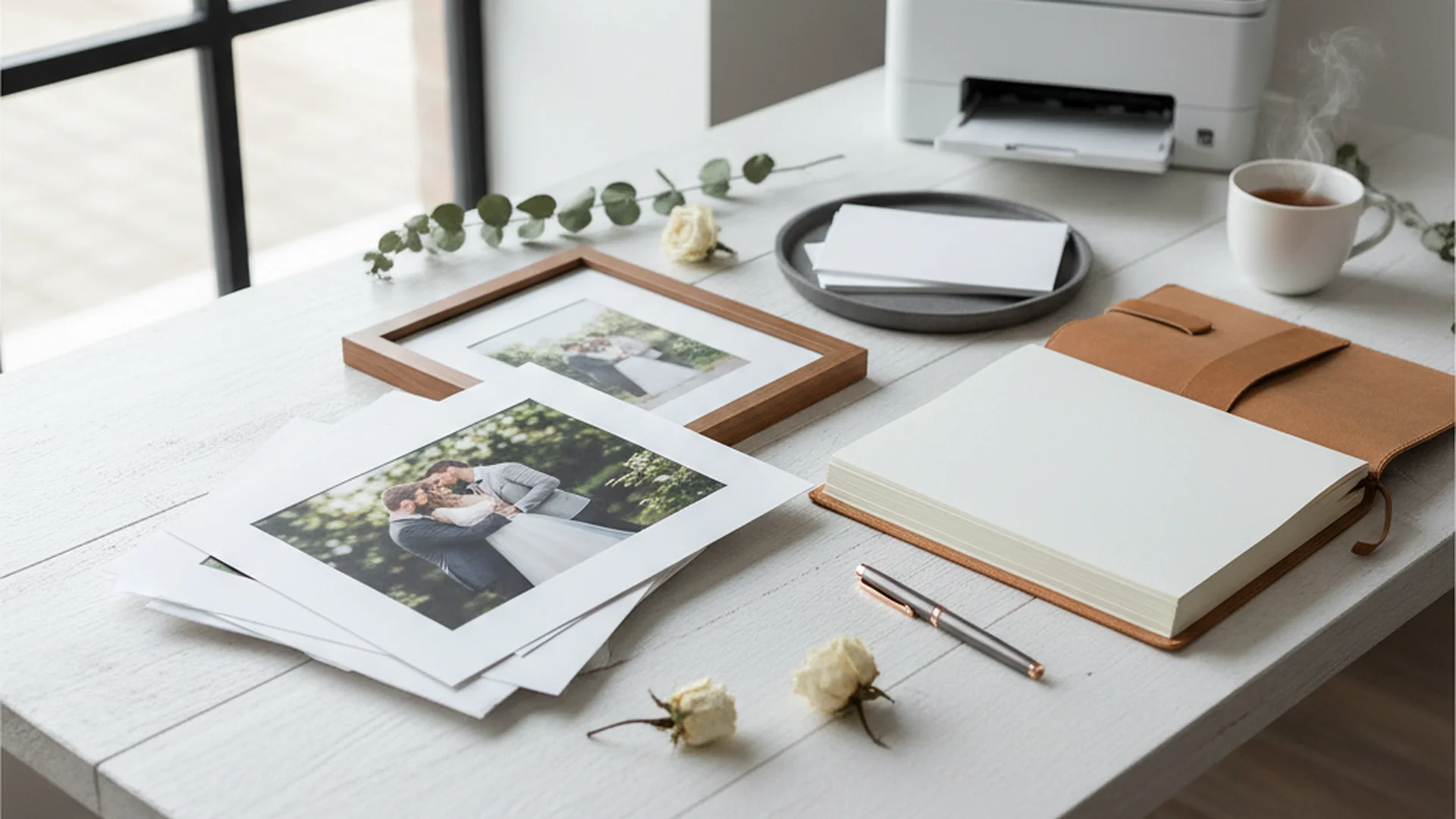
- Always print at 300 DPI to avoid pixelation in large formats.
- Professional 'archival' prints last 100-200 years compared to retail prints.
- Sustainability is a major 2026 trend, featuring recycled papers and eco-inks.
In an era where thousands of images live and die on our smartphones, there is something profoundly radical about the physical photograph. You’ve spent months planning, a small fortune on a photographer, and a full day being the center of attention—leaving those memories to rot in a "Cloud" is the digital equivalent of putting your wedding cake in the back of the freezer and forgetting it exists. This Wedding Photo Printing Guide is designed to help you navigate the technical jargon of DPI, the tactile world of fine art papers, and the emerging trends of 2026 to ensure your memories outlast your Instagram password.
Why Physical Prints Still Matter in 2025
The global wedding photography market is projected to reach over $43 billion by 2032. Why? Because as our lives become more digital, our cravings for the "real" become more intense. While a Complete Wedding Photo Management Guide can help you organize your files, the physical print is the only way to guarantee your legacy.
Professional "archival" prints, which utilize pigment-based inks, are rated to last between 100 and 200 years without significant fading. In contrast, the standard prints you might get at a local drugstore or high-street retail lab often show signs of chemical aging within a mere decade. If you want your grandchildren to see the specific shade of "sunset terracotta" in your bridesmaids' dresses, you need to print professionally.
Do this
The Technical Foundations: Resolution and Aspect Ratios
Before you hit "Order" on a 24x36 canvas, you need to understand the math behind the magic. The most common reason for disappointment in wedding printing is a lack of technical preparation.
The 300 DPI Gold Standard
DPI stands for "Dots Per Inch." To get a crisp, clear print, your file needs to have enough data to fill the space. For a high-stakes wedding photo, you should always aim for 300 DPI.
| Print Size | Required Pixel Dimensions (at 300 DPI) | Best For |
|---|---|---|
| 4" x 6" | 1200 x 1800 Pixels | Gift Prints/Thank You Cards |
| 8" x 12" | 2400 x 3600 Pixels | Small Wall Frames |
| 20" x 30" | 6000 x 9000 Pixels | Statement "Hero" Shots |
The 3:2 Aspect Ratio Rule
Most professional DSLR and mirrorless cameras shoot in a 3:2 aspect ratio. This is the same ratio as a 4x6 or an 8x12 print. If you try to print an 8x10 (which is a 4:5 ratio), the lab software will automatically crop your image. This often leads to "chopped off" feet or tops of heads.
Heads up
Choosing Your Finish: Lustre, Glossy, or Matte?
The "finish" of your paper changes how the colors interact with the light in your home. Choosing the right one is a matter of both taste and physics.
- Lustre: This is the industry standard for a reason. It offers the rich colors of glossy paper but with a fine, pebble-like texture that resists fingerprints and reduces glare. It’s the "Goldilocks" of wedding printing.
- Glossy: Great for high contrast and vibrant colors, but a nightmare for glare. Every time someone touches a glossy print, they leave a fingerprint that can eventually degrade the surface.
- Matte / Fine Art: This finish has no reflection at all. It’s perfect for "museum-style" displays and looks incredible behind glass. Fine art papers often have a heavy, tactile feel that screams luxury.
Tip
Emerging Trends for 2025–2026
The world of wedding printing is evolving. We are moving away from the "disposable" culture of the 2010s and toward intentional, sustainable, and tech-forward displays.
The Sustainable Printing Movement
Couples in 2026 are increasingly prioritizing the planet. Brands like Paper Culture and CEWE are leading the charge by offering 100% post-consumer recycled paper for wedding albums. Furthermore, professional "dry labs" (like ArtisanHD) are replacing traditional chemical-heavy "wet labs" with high-end inkjet technology, such as the Canon iPF PRO series. These systems eliminate hazardous waste and use water-based, eco-solvent inks that reduce VOC emissions.
AI-Enhanced Large Format Displays
Have you ever wanted a 60-inch print but your photographer only delivered a medium-resolution file? In 2026, AI upscalers like Topaz Photo AI and ON1 Resize AI 2026 are becoming standard tools. These programs don't just "stretch" the pixels; they use neural networks to reconstruct missing details, allowing you to print massive wall art from photos that would otherwise look blurry.
Modern Wall Art: The "Floater Frame"
The top interior design trend for 2026 is the floater frame. This is where a canvas or metal print appears to "levitate" inside a wooden frame with a visible gap around the edges. It adds a layer of sophistication and depth that traditional frames lack. We are also seeing a shift away from stark, sterile whites toward warm, earthy tones like terracotta and hand-crafted linen covers for albums.
Note
From the OurVows workspace
Organizing your wedding photos?
Collect, store, and share every photo — and keep the day's timeline tight so nothing's missed.
Real-World Examples of Printing Success
To give you a better idea of how to apply this Wedding Photo Printing Guide, let's look at three common approaches used by modern couples.
Example 1: The "Hero Shot" Approach
Sarah and James decided not to print every single photo. Instead, they chose one "Hero Shot"—a stunning wide-angle view of their ceremony in the mountains. They used AI upscaling to prepare the file and printed it as a 30"x40" metal print in a walnut floater frame. It now serves as the primary focal point of their living room.
Example 2: The Gallery Wall Curation
Leo and Mia preferred a storytelling approach. They selected five photos of varying sizes (one large, two medium, two small) to create a gallery wall. By using a Wedding Photo Collection Tool, they gathered candid shots from guests to mix in with their professional portraits, creating a dynamic and personal display.
Example 3: The Sustainable Heirloom
Eco-conscious couple Elena and Marcus opted for a 100% recycled paper album with a linen cover. They avoided all plastic and chemical finishes, ensuring their album was as kind to the Earth as it was beautiful to look at.
Common Mistakes to Avoid
Even with the best intentions, it's easy to ruin a great photo during the printing phase.
- The "Social Media" Download: Never, ever print a photo you downloaded from Facebook or Instagram. These sites strip away the data to make the files load faster. Printing these will result in a pixelated mess. Always go back to your original high-resolution gallery.
- Over-Editing for Print: Digital filters can look great on a screen, but they often cause "banding"—visible stripes in the sky or gradients—when the physical ink hits the paper.
- Ignoring the Crop: If you're printing an 8x10, check that you aren't cutting off your grandmother's head in the family portrait.
- Cheap Frames: A $5 frame from a big-box store can actually damage your photo. Cheap plastics can trap moisture, leading to mold or causing the print to stick to the glass.
Heads up
Professional Printing Lab Recommendations
While it’s tempting to use a local drugstore for convenience, the quality difference is astronomical. For the best results, use professional labs that offer ICC color profiles for soft-proofing.
- Mpix: Known for excellent color accuracy and fast shipping.
- Nations Photo Lab: A favorite for high-quality wall art and various paper types.
- Artifact Uprising: The gold standard for aesthetic, minimalist, and high-end matte albums.
- Paper Culture: The best choice for couples prioritizing sustainability and recycled materials.
Frequently asked questions
Where should I print my wedding photos?
What resolution do I need for a large print?
Why do my prints look darker than they did on my computer screen?
How do I prevent my wedding album from fading?
Is it okay to print guest photos?
Conclusion
Your wedding photos are more than just data; they are the visual history of your most important day. By following this Wedding Photo Printing Guide, you can ensure that those memories aren't trapped behind a screen but are woven into the fabric of your home. Whether you choose a massive floater-framed canvas or a sustainable linen album, the key is to prioritize quality, resolution, and archival materials.
Don't let your Wedding Photo Backup Strategy be your only plan for your images. Take them off the hard drive and put them on the wall. Your future self (and your grandchildren) will thank you.
Do this
Ready when you are
Ready to Start?
Organize and print your wedding memories today.
Ready when you are
Plan your wedding without the chaos.
Free forever for couples just getting started. Two minutes to set up. No credit card.
Keep reading
Wedding Photo Organization Tips: From Professional Galleries to Guest Captures
Master your wedding gallery with these pro wedding photo organization tips. Learn about the 3-2-1 backup rule, folder structures, and 2025 digital trends.
Must Have Wedding Photo Moments: A Guide for 2025 and 2026 Couples
Discover the essential must-have wedding photo moments for the 2025-2026 season. From documentary-style candids to editorial trends, capture every memory perfectly.
The Ultimate Guide to Choosing a Wedding Photo Collection Tool for 2025
Discover why a wedding photo collection tool is essential for capturing every guest's perspective. Learn about QR systems, AI features, and 2025 trends.