The Future of Seating: Why Digital Wedding Seating Charts are the Must-Have Tool for 2025-2026
Discover why the digital wedding seating chart is the industry standard for 2025. Learn expert strategies for QR codes, guest flow, and interactive trends.
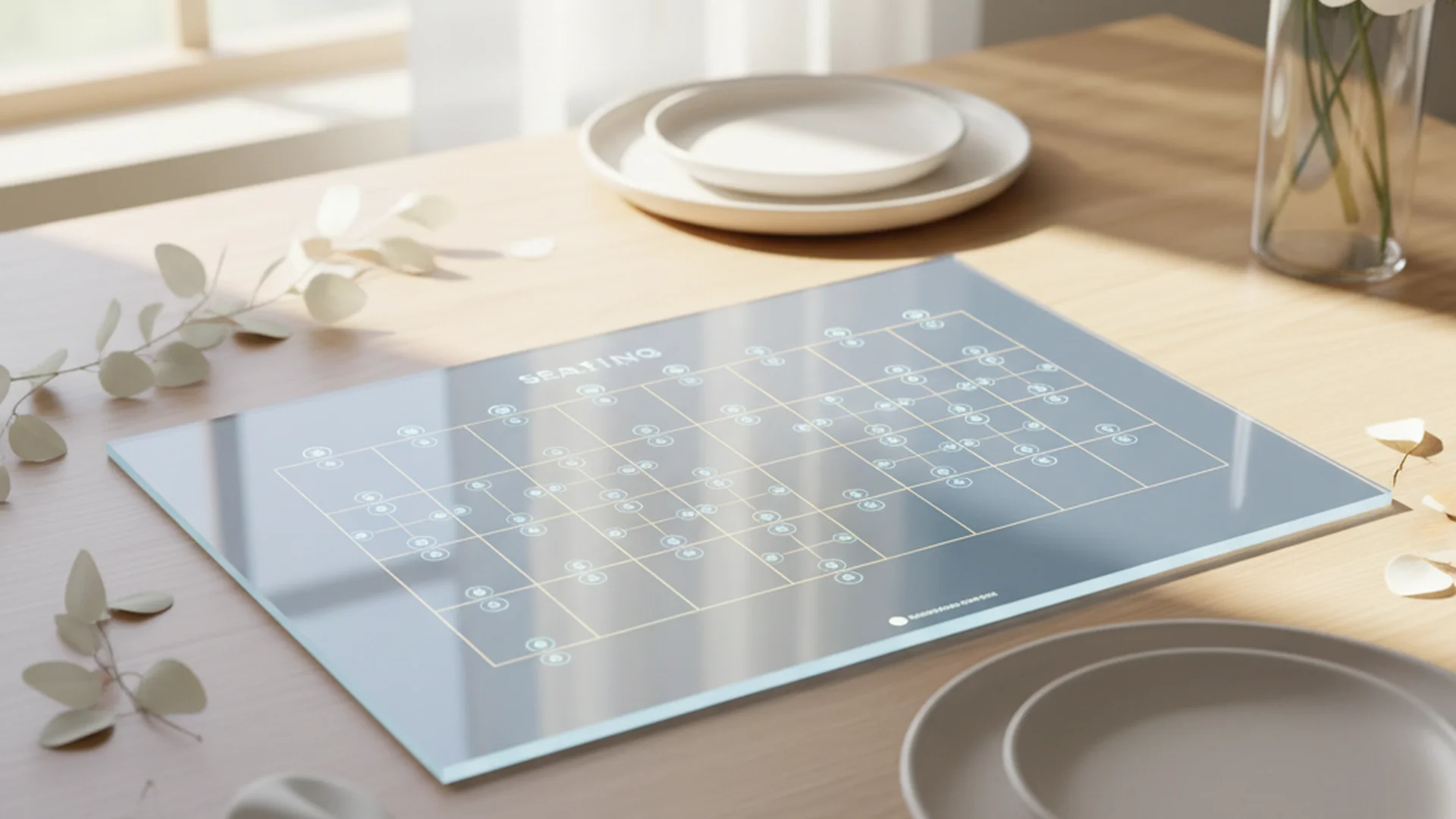
- Digital charts can reduce seating costs by up to 70% compared to traditional materials.
- The vast majority of wedding guests are now comfortable using QR codes.
- Real-time updates allow for last-minute guest list changes without reprinting costs.
Planning a modern wedding often feels like a balancing act between tradition and innovation. One of the most significant shifts we are seeing for the 2025-2026 season is the move toward a digital wedding seating chart. Gone are the days of frantic, late-night calligraphy sessions on expensive foam boards that become obsolete the moment a guest cancels. As an officiant, I’ve seen firsthand how the transition from the ceremony to the reception can be made seamless—or stressful—based purely on how guests find their seats.
The Evolution of the Seating Chart
The transition to digital-first wedding planning isn't just about being "tech-savvy." It is a response to the logistical realities of modern celebrations. In our experience, roughly 10-15% of guest lists change within the final 72 hours of the wedding day. Whether it is a sudden illness or a travel delay, these shifts can throw a traditional, printed seating chart into chaos.
A digital wedding seating chart offers the flexibility that physical boards simply cannot. Instead of using "white-out" or crossing out names on an expensive acrylic sign, couples can now update a cloud-based document that reflects instantly across every QR code displayed at the venue.
Note
Why Digital is the Industry Standard for 2025-2026
The wedding industry is moving toward "Zero Waste" and cost-efficient solutions. Traditional printed charts, especially those on premium materials like acrylic, glass, or heavy foam board, can easily cost between $150 and $500. When you factor in the high probability of last-minute changes, the "cost per use" of a physical sign becomes difficult to justify.
Cost Efficiency and Sustainability
Digital alternatives, such as QR code displays or rented monitors, can reduce these costs by up to 70%. By eliminating the need for single-use paper escort cards or large-format printing, couples align their celebration with the 2026 movement toward eco-friendly celebrations.
Real-Time Flexibility
If you discover a guest needs to move tables due to social dynamics or mobility issues on the morning of the wedding, a digital tool allows for an instant fix. This prevents the "cafeteria anxiety" guests feel when they can't find their name or realize the chart is outdated.
| Feature | Traditional Printed Chart | Digital Seating Chart |
|---|---|---|
| Cost | $150 - $500+ | $0 - $50 |
| Update Speed | Requires Reprinting | Instant/Real-time |
| Sustainability | Low (Single-use) | High (Zero-waste) |
| Guest Interaction | Passive | Interactive/Searchable |
Best Practices for Implementing a Digital Chart
While the technology is accessible—with the vast majority of guests now familiar with QR codes—the execution must be flawless to ensure a smooth guest experience.
Use "Dynamic" QR Codes
Unlike static codes, dynamic QR codes allow you to change the destination URL (your seating chart) even after the code is printed on your physical signage. This is a lifesaver for last-minute table shuffles. If you realize two days before the wedding that you need to move a group, you simply update the link in your dashboard without touching the printed signs at the venue.
The "Two-Foot Rule"
When displaying your QR code, size matters. Ensure your QR code is at least 2x2 inches if printed on a sign. This allows guests to scan from a comfortable distance without leaning over others or creating a bottleneck at the entrance.
Tip
Prioritize Legibility
Digital screens and phone displays react differently to light. Avoid ultra-thin or overly "loopy" calligraphy fonts that look beautiful on paper but are illegible on a backlit screen. High-contrast text (dark text on a light background) is always the safest bet for visibility in various lighting conditions.
Expert Strategies for Guest Flow
The layout of your digital chart is just as important as the technology behind it. For weddings with more than 50 guests, a chart is essential to prevent awkward empty seats and broken-up groups.
Alphabetical vs. Table Number
For guest lists over 100 people, listing names alphabetically is the gold standard. It prevents "bottlenecks" where guests crowd around a sign searching for their name under every table number. If you are using a digital interface, a search bar is an even better tool, allowing guests to type the first three letters of their name to find their table instantly.
Heads up
Accessibility First
When designing your floor plan within your Wedding Seating Chart Software, prioritize accessibility. Seat guests with mobility issues, such as those using wheelchairs or walkers, near the exits or main aisles. Digital tools allow you to visualize these "clear paths" more effectively than a hand-drawn sketch.
From the OurVows workspace
Solving the seating puzzle?
Drag-and-drop tables, relationship warnings, and printable charts — built into your guest list.
Recent Trends: The "Experience Chart" (2025-2026)
The upcoming wedding seasons are all about the "Experience Chart." Couples are no longer just providing information; they are providing an interactive moment.
1. Augmented Reality (AR) Seating
New apps allow guests to scan a code and see a "live" map of the room on their phone screen. A glowing line or arrow points them toward their specific table in real-time. This is particularly useful for large-scale marquee weddings or complex venue layouts.
2. The Cocktail Wall
A popular real-world example of merging digital and physical is the Cocktail Wall. Guests find their name and table number on a glass of a signature drink. A small QR code at the base of the wall can serve as the master directory for those who might have missed their glass.
3. AI-Powered Floor Plans
Couples are now using AI assistants to analyze guest "social clusters." By inputting data points like "college friends" or "work colleagues," the AI can suggest the most harmonious seating arrangements automatically, reducing the hours spent on manual placement.
Do this
Handling Social Dynamics Digitally
As an officiant, I often help couples navigate the complexities of Blended Family Seating Chart arrangements. Digital tools like AllSeated or Prismm allow you to "flag" guests who should not be seated near each other.
Managing Family Drama
Digital charts help you visualize "social buffer zones." If you have Divorced Parents Seating Chart concerns, you can use digital floor plan tools to ensure they have equal sightlines to the head table while maintaining a comfortable physical distance.
The Myth of the "Singles Table"
A common misconception is that placing all single guests at one table is a helpful way to play matchmaker. Modern etiquette suggests this is a faux pas. Instead, use your digital tool to seat single guests with groups they already know or share interests with. This creates a much more organic and comfortable atmosphere.
Common Mistakes to Avoid
Even with the best technology, simple errors can disrupt the flow of your reception.
- Forgetting a Physical Backup: Technology can fail. Always provide one printed master alphabetical list to your wedding coordinator or have a tablet at the entrance with the digital chart pre-loaded for guests who may have forgotten their phones or are less tech-savvy.
- Printing the QR Code Too Early: Even for digital signs, wait until two weeks before the wedding to finalize the link. This ensures that the destination URL is stable and reflects the final guest count from your (Marketing) - Tools - Guest Count Calculator.
- Forgetting to Include the Couple: It sounds simple, but many couples forget to add their own names to the digital floor plan, which can throw off the final table counts for the catering team.
- Neglecting Wi-Fi Issues: If your venue is in a remote "dead zone," ensure your digital seating chart is available offline or via a local QR-to-image download to avoid guest frustration.
Frequently asked questions
Is a seating chart really necessary for a small wedding?
What happens if a guest's phone dies or there is no Wi-Fi?
Should I sync my seating chart with my RSVP tool?
How do I handle guests who bring uninvited plus-ones?
Conclusion
The transition to a digital wedding seating chart is one of the smartest moves a 2025-2026 couple can make. It offers unparalleled flexibility, significant cost savings, and a modern edge that aligns with today's tech-comfortable guest list. By focusing on legibility, using dynamic QR codes, and maintaining a physical backup, you can ensure that the transition from your beautiful ceremony to your high-energy reception is flawless.
Remember, the goal of any seating arrangement is to make your guests feel seen, welcomed, and comfortable. Technology is simply the tool that helps you achieve that goal with less stress and more precision.
Do this
Ready when you are
Ready to Start?
Build your perfect guest list and seating arrangement today.
Ready when you are
Plan your wedding without the chaos.
Free forever for couples just getting started. Two minutes to set up. No credit card.
Keep reading
The Ultimate Guide to Choosing the Best Wedding Seating Chart App for 2025–2026
Discover how a wedding seating chart app can save you significant planning time. Explore AI-driven tools, 3D floor plans, and expert seating strategies for your big day.
Navigating the Divorced Parents Seating Chart: A Diplomatic Guide for 2025-2026
Learn how to design a divorced parents seating chart that maintains peace and honors family. Expert tips for ceremony and reception layouts in 2025.

The Ultimate Wedding Seating Chart Timeline: A Month-by-Month Guide
Master your wedding seating chart timeline with our expert guide. From early drafts to last-minute changes, learn how to organize your guests stress-free.