The Ultimate Guide to Using a Wedding Website QR Code in 2025
Discover how to use a Wedding Website QR Code to streamline RSVPs, share photos, and enhance guest experience. Best practices for design, placement, and trends.
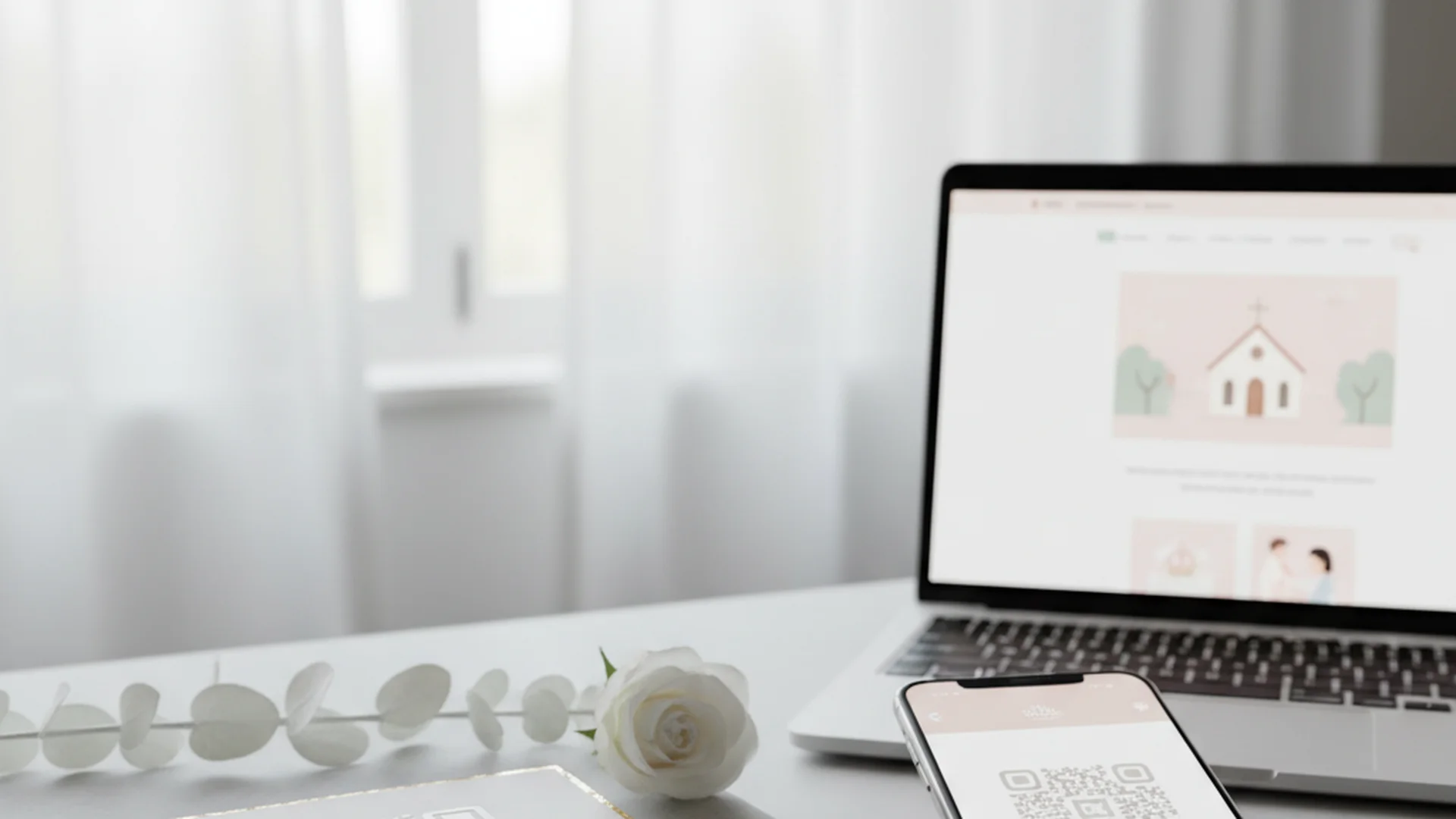
- QR codes boost guest engagement and significantly reduce paper waste.
- Follow the 1.5-inch rule and use high contrast for reliable scanning.
- Modern trends include AI-generated highlights and AR-enhanced invitations.
Gone are the days when a Wedding Website QR Code was considered a niche "techy" addition for Silicon Valley couples. In 2025, those little pixelated squares have officially graduated from "experimental" to "essential." As a Creative Director who has seen thousands of invitations cross my desk—and as a Humor Consultant who knows exactly how much guests hate typing long URLs after three glasses of champagne—I can tell you: the QR code is the unsung hero of modern wedding planning.
Whether you are looking to streamline your RSVP process or create an interactive gallery for reception photos, integrating a QR code into your stationery is the smartest move you can make this year. It bridges the gap between your beautiful physical invitations and the digital hub where all the magic happens.
Why the Wedding Website QR Code is Taking Over
The shift toward digital integration isn't just about being trendy; it is about efficiency and sustainability. The majority of couples in 2025 now include at least one QR code in their wedding stationery. This isn't just a slight bump; it’s a total transformation of the guest experience.
For the environmentally conscious couple, the benefits are even more striking. By using a QR code to host details like driving directions, hotel blocks, and registry info, couples can dramatically cut their paper waste. Instead of a five-piece invitation suite that weighs as much as a small brick, you can opt for a single, elegant card that points guests to everything they need.
Do this
Planning Your QR Strategy: Where and How to Link
One of the biggest mistakes couples make is treating the QR code as an afterthought. To get the most out of this tool, you need to be strategic about where the code leads. If you are just starting your digital journey, you might want to check out our Complete Wedding Website Creation Guide to ensure your destination page is ready for its close-up.
Direct-to-Action Linking
Instead of sending everyone to your homepage, consider "direct-to-action" linking. If the QR code is on your RSVP card, it should link directly to the RSVP form. If it is on a card about accommodations, it should land on the Wedding Website Accommodations Page. This reduces "click fatigue" and ensures your guests actually complete the task at hand.
Static vs. Dynamic QR Codes
There is a technical distinction that can save you a massive headache.
- Static QR Codes: These link directly to a URL. They never expire and are free to generate.
- Dynamic QR Codes: These allow you to change the destination URL even after the code is printed.
Heads up
Design and Printing: The 1.5-Inch Rule
As a Creative Director, I have seen beautiful invitations ruined by a QR code that looks like a smudge or, worse, one that simply won't scan. Design and functionality must go hand-in-hand.
The Golden Rules of QR Design
- The 1.5-Inch Rule: For printed invitations, your QR code should be at least 1.5 x 1.5 inches. Any smaller, and older smartphone cameras may struggle to find the focus point.
- High Contrast is Non-Negotiable: You might love the look of a soft gold code on a cream background, but scanners hate it. Stick to dark ink on a light background.
- Add a Call to Action (CTA): A "naked" QR code is confusing. Always include text like "Scan to RSVP" or "Scan for Directions" so guests know exactly why they are pulling out their phones.
Tip
Real-World Examples of QR Codes in Action
How are couples actually using these codes in 2025? Here are three creative ways to implement them beyond the standard RSVP:
Example 1: The "Live" Bar Menu
Place a small, elegantly framed QR code on the bar. When guests scan it, they are taken to a live photo-sharing gallery where they can upload their candid shots throughout the night. This effectively crowdsources your wedding photography in real-time.
Example 2: The Digital Guestbook
Instead of a physical book that will eventually gather dust on a shelf, use a QR code to link to a video or audio recording platform. Guests can leave "voice notes" or short video messages, creating a digital time capsule of the evening.
Example 3: The Augmented Reality (AR) Reveal
For the tech-forward couple, a trend for 2026 is AR-enhanced invitations. When guests scan the code, a 3D model of your venue or a personalized video message from the couple "pops up" on their screen, creating a truly immersive first impression.
| Feature | Primary Use Case | Best Placement |
|---|---|---|
| RSVP Link | Guest Count Management | RSVP Card / Insert |
| Photo Sharing | Real-time Gallery | Bar Menu / Tables |
| Directions | Travel Logistics | Details Card |
| Registry | Gift Giving | Bridal Shower Invite |
From the OurVows workspace
Building your wedding website?
Pick a template, claim your custom subdomain, and collect RSVPs and gifts — the OurVows website builder is part of Plus, from $12/mo.
Recent Trends for 2025 and 2026
The world of the Wedding Website QR Code is moving fast. We are seeing a shift from simple links to interactive experiences.
- AI-Generated Recaps: New platforms are emerging that take photos uploaded via QR code and use AI to automatically compile a "Highlight Reel" by the end of the reception.
- Custom Branding: Couples are now using Wedding Website Custom Domain names that match their QR code's destination, creating a seamless brand experience from paper to phone.
- Instant Wi-Fi Access: Since some venues are "dead zones," smart couples are placing a QR code that automatically connects guests to the venue's Wi-Fi, ensuring they can actually use the photo-sharing features.
Note
Common Mistakes to Avoid
Even with the best intentions, things can go wrong. Avoid these common pitfalls to ensure a smooth experience for your guests:
The "Pastel Pitfall"
Using low-contrast colors like light pink, soft blue, or metallic gold on white paper often makes the code unreadable for older phone models. If you want a colored code, ensure it is a deep, dark shade.
Forgetting the Manual URL
While most Gen Z guests prefer scanning, many older guests do not feel the same way. Always include a short, easy-to-type URL (like smithwedding.com) beneath the QR code as a backup for your less tech-savvy relatives.
Linking to a Non-Mobile Site
This is a dealbreaker. Since 100% of QR code scans happen on a mobile device, your destination page must be perfectly optimized for mobile. If you are unsure which platform to use, check out our review of the Best Free Wedding Website Builders to find a mobile-responsive option.
Overwhelming the Guest
Don't put five different QR codes on one piece of paper. It looks cluttered and confusing. Use one primary code for the main website, and save specific codes (like photo sharing) for the day of the event.
Frequently asked questions
Will my older guests know how to use it?
Do QR codes expire?
Where is the best place to put the QR code?
Should I put my registry on the QR code?
How do I make my QR code look "pretty"?
Conclusion
The Wedding Website QR Code is no longer just a gimmick—it’s a powerful tool that simplifies the planning process, engages your guests, and helps the planet. By following the 1.5-inch rule, ensuring high contrast, and using direct-to-action links, you can turn a simple square of pixels into a gateway for your entire wedding celebration.
If you are still in the early stages of planning, don't forget to use tools like our (Marketing) - Tools - Wedding Hashtag Generator to add that extra bit of personality to your digital presence. And if you need help writing the perfect "About Us" section for that QR code to land on, check out our Wedding Website Bio Examples.
Do this
Ready when you are
Ready to Start?
Build your perfect wedding website and generate your custom QR code today.
Ready when you are
Plan your wedding without the chaos.
Free forever for couples just getting started. Two minutes to set up. No credit card.
Keep reading
The Ultimate Guide to Your Wedding Website Travel Page: 2025 Edition
Learn how to build a high-converting Wedding Website Travel Page. Includes 2025 trends, hotel block tips, and guest logistics to ensure a stress-free experience.
The Ultimate Guide to Wedding Website Mobile Optimization
Ensure your guests have a seamless experience with our guide to wedding website mobile optimization. Learn the latest 2025-2026 trends and best practices.
The Ultimate Guide to Your Wedding Website Announcement: 2025-2026 Edition
Learn the best timeline, wording, and tech trends for your wedding website announcement. Master your digital planning with expert tips for 2025 and 2026.