Unplugged Wedding Ceremony: Wording and Tips
By OurVows Editorial Team5 min readPublished Updated
On this page
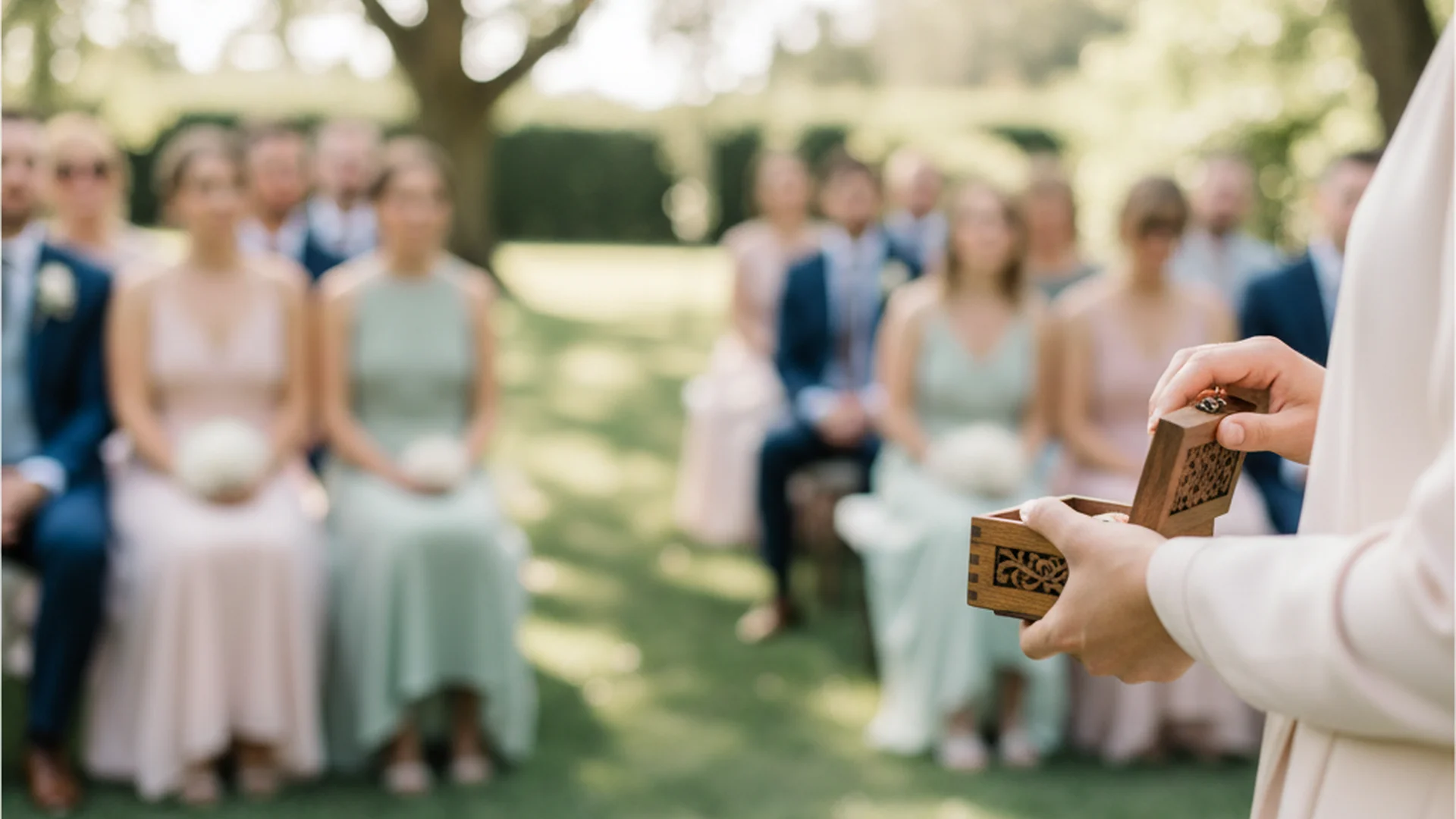
An unplugged wedding ceremony simply means asking guests to put their phones and cameras away while you exchange vows. Couples do it so guests are fully present and the photographer has a clear view. The key is to ask warmly, in more than one place, and to give guests a way to share their photos afterwards.
Imagine standing at the end of the aisle and seeing a wall of glowing screens instead of faces. An unplugged ceremony is not about being controlling. It is about creating a moment where your guests are witnesses to your commitment rather than amateur photographers.
Why couples go device-free
Protecting your photography
Guests leaning into the aisle or holding up screens can end up in your photographer's frame, or block the view of key moments such as the processional and the first kiss. Guest snaps rarely match the quality of the professional gallery you are paying for, and a clear view helps your photographer do their best work.
Being present
When a guest is focused on framing a shot, they are watching through a screen rather than experiencing the moment. A phone-free ceremony encourages guests to listen to your vows and feel the weight of the occasion.
Reducing digital noise
A ceremony is a deeply personal time. A shutter sound, a notification ping or a whispered conversation about camera settings can break the mood.
Tell guests three times
The biggest worry couples have is sounding rude or bossy. The key is to frame the request around presence and connection rather than rules, and to say it in more than one place.
Step 1: Your wedding website
Your FAQ page is the first place to plant the seed. You might write:
"We have hired a wonderful photographer to capture our ceremony, and we would love for you to be fully present with us. We kindly ask that you keep your phones and cameras tucked away until the cocktail hour."
Step 2: A tasteful sign
Place a sign at the entrance to your ceremony space, and keep the wording warm and inviting. For example:
"Welcome to our unplugged ceremony. Please turn off your devices and enjoy this moment with us."
Step 3: An officiant announcement
This is the most important step, because guests often walk past signs without reading them. Ask your officiant to make a warm announcement just before the processional begins. For example:
"Before we begin, [Name] and [Name] have asked me to share a request. Please switch off your phones and cameras and enjoy this moment with us. Their photographer will capture it all, and photos will be shared with you afterwards."
Compromises that keep everyone happy
If you think guests will feel anxious without their phones, there are middle grounds.
The "photo minute"
The officiant says: "The couple invites you to take all the photos you like for the next minute. Get your best shots now! After that, please put your devices away so we can all be fully present for the vows." It lets guests get their photos before the serious part begins.
Offer a shareable preview
Ask your photographer whether they can send a handful of images quickly, perhaps the same day, or whether someone can capture short clips for social media. Giving guests something good to share takes the pressure off them to take their own.
Common mistakes to avoid
Even a well-meaning unplugged ceremony can go awry if it is not handled well.
| Mistake | Consequence | Better approach |
|---|---|---|
| Relying only on signs | Guests miss the message and pull out phones anyway | Add an officiant announcement |
| Being too strict | Creates a tense atmosphere and resentment | Frame it as an invitation to be present |
| Forgetting the wedding party | Attendants taking selfies at the altar | Set expectations at the rehearsal |
| Giving nothing in return | Guests feel they will never see photos | Share a preview as soon as you can |
One of the most common oversights is not having a plan for sharing photos during the rest of the day. If guests give up their phones for the ceremony, they will be keen to take pictures at the party, so make it easy for them to share those moments later with a guest photo upload plan.
Planning your ceremony space
Managing the aisle
If your aisle is narrow, a guest leaning out has more impact. Make sure your photographer has clear lanes and that your officiant knows the ceremony is unplugged, so they can gently redirect anyone who forgets.
Lead by example
If the couple or the wedding party are carrying phones, guests will assume the rule does not apply to them. Leave all phones in the bridal suite or with a trusted family member before the music starts.
Frequently Asked Questions
Does "unplugged" mean the whole wedding?
Usually not. Most couples only ask guests to put devices away during the ceremony. Once the ceremony is over and you walk back up the aisle, phones are typically welcome again from the cocktail hour.
How do we ask guests without sounding rude?
Focus on the "why." Instead of "No phones allowed," try "We want to see your faces, not your phones." Framing it as a wish for their presence makes it a compliment rather than a restriction.
Will we miss candid photos if we go unplugged?
You may lose a few guest-perspective shots of the ceremony, but you gain clean professional photos without random phones in the frame. To capture candids later, plan a way for guests to share their reception photos.
What if someone has an emergency and needs their phone?
Ask guests to keep phones on silent and in a pocket or bag rather than collecting them. That lets guests feel secure while still keeping the ceremony screen-free.
Is an unplugged ceremony right for a small wedding?
It can be even more important at a small wedding, where a single phone can be more noticeable and every guest is closer to the couple.
Every photo from the day, in one album
Put a QR code on the tables and every guest photo lands in one album, with 10 GB of space. It comes with Plus, one payment that covers you both.