The Master Guide to Guest Wedding Photo Upload: How to Collect 1,000+ Candid Moments
Discover how to master the guest wedding photo upload process. Avoid app fatigue, use QR codes effectively, and capture every candid moment from your 2025-2026 wedding.
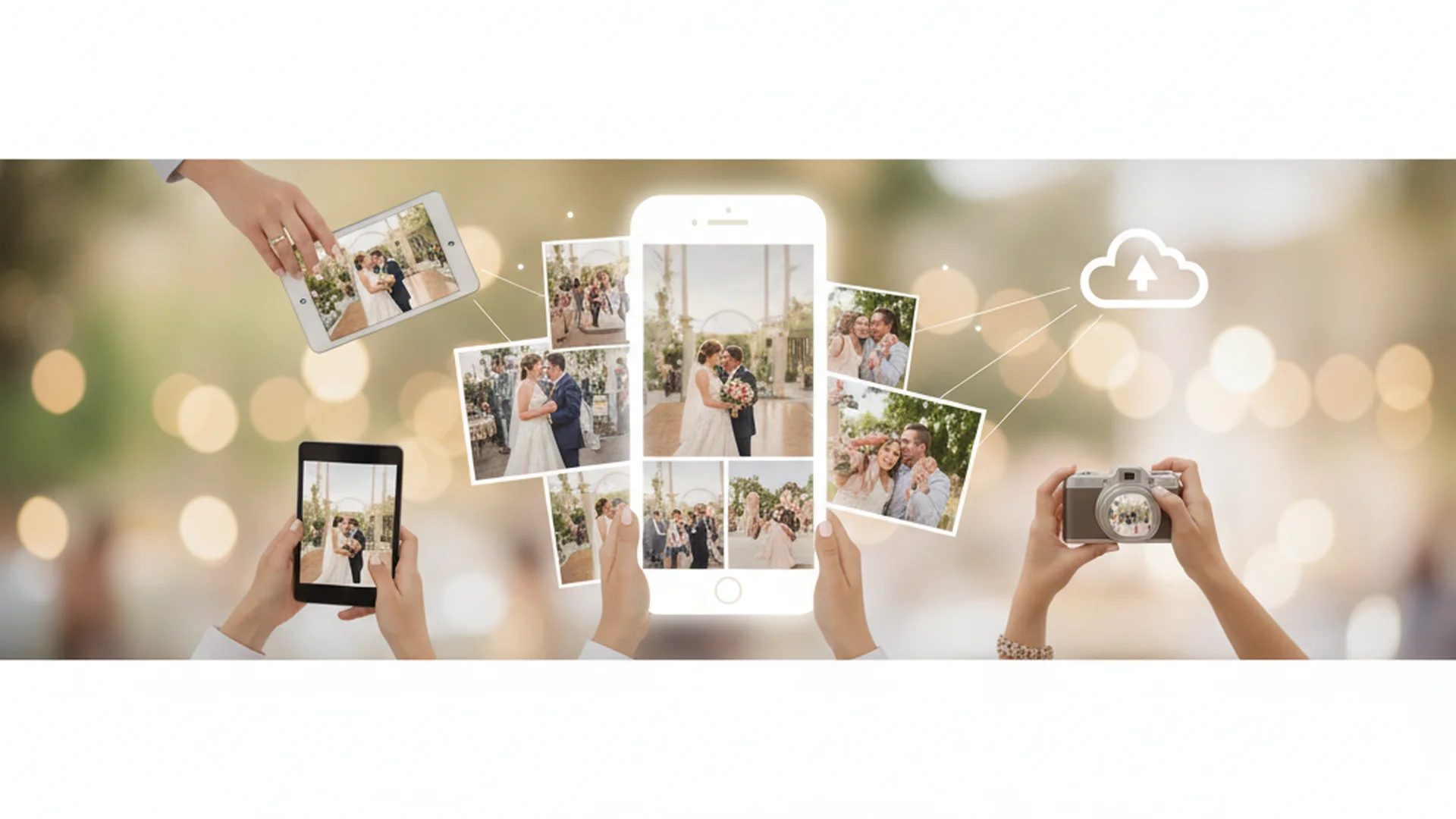
- Browser-based QR code uploads see notably higher participation than apps.
- Professional photographers capture the art; guests capture the atmosphere.
- Place QR codes in at least five high-traffic locations for maximum engagement.
Your wedding day is a whirlwind of emotions, laughter, and fleeting moments. While your professional photographer is there to capture the high-end portraits and the ceremony's gravity, there is an entire world of "in-between" moments they might miss. This is where the guest wedding photo upload comes into play. From the late-night dance floor chaos to the quiet reunion of old college friends at the back table, your guests are carrying high-powered cameras in their pockets, ready to document the day from a perspective no professional can reach.
In the 2025 and 2026 wedding seasons, the technology for collecting these memories has evolved far beyond the clunky hashtags of the past. Today, couples are looking for seamless, high-quality, and instant ways to gather every snap. Whether you are aiming for a digital "disposable camera" feel or a live slideshow during the reception, mastering the art of the guest upload is essential for preserving the full story of your celebration.
Why the Guest Wedding Photo Upload is the New Standard
For years, couples relied on social media hashtags to find photos taken by their loved ones. However, as privacy settings have tightened and platforms like Instagram have shifted toward algorithmic feeds, hashtags have become notoriously unreliable. Nearly all wedding guests now bring smartphones to the ceremony, and they are taking more photos than ever before. If you don't provide a dedicated guest wedding photo upload solution, those hundreds—sometimes thousands—of images will likely stay trapped on individual devices or lost in the "disappearing" void of Instagram Stories.
The shift toward dedicated upload platforms is driven by a desire for quality and accessibility. When guests upload directly to your private gallery, you bypass the heavy compression of WhatsApp or Facebook, ensuring that even the candid shots are high-resolution enough to print for a Complete Wedding Photo Management Guide.
Note
The "App Gap": Why Browser-Based is Best
One of the most common friction points in wedding photo sharing is the "App Gap." A large share of guests will skip sharing photos if they are required to download a new application to their phone. In an era of "app fatigue," guests want a frictionless experience.
The most successful weddings in 2025 are utilizing browser-based solutions. By simply scanning a QR code, the guest’s phone opens a web-based uploader where they can select and send photos in seconds. This eliminates the need for account creation or storage-heavy downloads, leading to significantly higher participation rates across all age groups.
Table: App-Based vs. Browser-Based Uploads
| Feature | App-Based Solutions | Browser-Based (QR) |
|---|---|---|
| Guest Participation | Lower (requires download) | Higher (instant access) |
| Photo Quality | Usually high | Original resolution |
| Ease of Use | Moderate | High |
| Storage Required | Yes (on guest's phone) | No |
| Real-Time Updates | Yes | Yes |
5 High-Traffic Spots for Your Photo QR Codes
To ensure a high volume of guest wedding photo upload activity, visibility is key. You cannot simply put a QR code on a single welcome sign and expect everyone to see it. Experts recommend a "multi-point" strategy to remind guests throughout the night.
- The Bar: This is the highest-traffic area of any reception. While guests wait for their "Signature Sip," they are likely looking for something to do with their hands.
- Reception Tables: Place a small, elegant card at each place setting. It serves as a subtle reminder as they sit down for dinner.
- The Photo Booth Area: Guests are already in "photo mode" here. Capturing the "behind-the-scenes" of the photo booth is a great way to add flavor to your gallery.
- Guest Book Table: As they leave a written note, they can easily upload a digital memory.
- The Back of the Program: For guests arriving early to the ceremony, the program provides the first opportunity to learn about your photo-sharing plans.
Tip
Real-World Examples of Successful Guest Uploads
Example 1: The "Photo of the Night" Contest
Sarah and James turned their guest wedding photo upload into a game. Their DJ announced a "Photo of the Night" contest midway through the reception. The couple offered a $50 gift card to the guest who uploaded the most creative candid shot by 10:00 PM. This resulted in over 1,200 uploads and some of the most hilarious dance-floor photos of the year.
Example 2: The Digital Disposable
Michael and Leo loved the nostalgia of disposable cameras but hated the cost and poor photo quality. They used a "digital disposable" app where guests scanned a code, and the photos remained "locked" until the following morning. This created a sense of anticipation and a "grand reveal" during their post-wedding brunch.
Example 3: The Photo Ambassador
Priya and Sam designated one tech-savvy bridesmaid to be their "Photo Ambassador." Her only job (besides being a bridesmaid) was to upload the first ten photos of the day and show guests at her table how easy the QR code was to use. This "ice-breaking" technique led to high participation even among their oldest guests.
Do this
From the OurVows workspace
Organizing your wedding photos?
Collect, store, and share every photo — and keep the day's timeline tight so nothing's missed.
Cutting-Edge Trends for 2025–2026
The world of wedding photography is moving fast. If you want to stay ahead of the curve, consider these emerging trends:
AI-Powered Facial Recognition
New tools like "MagicFind" allow guests to upload a single selfie, and the system automatically finds every photo they appear in across the entire wedding gallery. This makes it incredibly easy for guests to find the photos they actually want to keep, incentivizing them to use your Wedding Photo Collection Tool.
Digital Audio Guestbooks
A rising trend for 2026 is the integration of audio. Some platforms now allow guests to record a 30-second "voice note" alongside their photo upload. Imagine looking at a candid photo of your grandparents while hearing them wish you a happy life together in the background.
Live AI Sizzle Reels
Some high-tech venues now offer real-time curation. As guests upload photos, an AI tool automatically edits them into a music-synced "Sizzle Reel" that plays on projectors during the final hour of the reception. It provides instant gratification for the guests and a "mini-movie" for the couple to watch that night.
Common Mistakes to Avoid
Even with the best intentions, a guest wedding photo upload strategy can fail if not executed properly. Avoid these common pitfalls:
- Relying on a Hashtag: As mentioned, hashtags are outdated for collection. They compress quality and are often hidden by privacy settings. Always use a direct upload link.
- Ignoring Venue WiFi: Many rustic or historical venues have "dead zones." Choose a platform that allows for "offline uploads," where the photos queue on the guest's phone and upload automatically once they hit LTE or home WiFi.
- Late Instructions: If guests don't know about the upload tool until they are leaving, you've missed 90% of the opportunities. Mention the process on your wedding website and in your welcome bags.
- Assuming Pros Cover Everything: Never think, "I don't need this because I have a pro." Your pro is one person; your guests are fifty or a hundred sets of eyes.
Heads up
Frequently asked questions
Do my guests have to download an app to upload photos?
Will I lose photo quality when guests upload?
Who can see the photos that guests upload?
Can guests upload videos as well as photos?
How long will the photos stay online?
Conclusion: Capturing the Heart of the Celebration
Implementing a robust guest wedding photo upload system is one of the smartest moves you can make during your planning process. It turns your guests from passive observers into active participants in your story. By removing the friction of apps, placing instructions strategically, and embracing new technologies like AI and QR codes, you ensure that no hug, no dance move, and no tear goes unrecorded.
Remember, the goal isn't just to have "more" photos—it's to have the right photos. The ones that show the laughter at Table 4 and the secret smiles shared during the toasts. Those are the memories that fill the gaps between the professional portraits and make your wedding album truly complete.
Do this
Ready when you are
Ready to Start?
Capture every moment with our expert collection tools.
Ready when you are
Plan your wedding without the chaos.
Free forever for couples just getting started. Two minutes to set up. No credit card.
Keep reading

Wedding Photo Organization Tips: From Professional Galleries to Guest Captures
Master your wedding gallery with these pro wedding photo organization tips. Learn about the 3-2-1 backup rule, folder structures, and 2025 digital trends.

Must Have Wedding Photo Moments: A Guide for 2025 and 2026 Couples
Discover the essential must-have wedding photo moments for the 2025-2026 season. From documentary-style candids to editorial trends, capture every memory perfectly.

The Ultimate Guide to Choosing a Wedding Photo Collection Tool for 2025
Discover why a wedding photo collection tool is essential for capturing every guest's perspective. Learn about QR systems, AI features, and 2025 trends.